







How to Connect Instagram to Claude with MCP
Connect Instagram to Claude with the Data Bloo MCP and pull reach, views, engagement and follower growth straight from the chat, no screenshots, no exports. It runs on the official Instagram Graph API, it's read-only, and here's the 2-minute setup.
The Data Bloo connector
Open the Data Bloo listing in Claude's directory, hit Connect and sign in. There's no server URL, no client ID and no API key anywhere in this setup. Everything below is just where to click.

What connecting Instagram to Claude actually means
You can ask Claude about your Instagram performance and get a real answer, pulled from your actual account, in seconds. Type "how did my Instagram do last month" and Claude reads your reach, views, engagement and follower growth and tells you, no screenshots from the app, no spreadsheet. The connection runs through the Data Bloo MCP, takes about two minutes to set up, and it's read-only, so Claude can analyze your account but can never post, reply or change anything.
One thing worth knowing up front: there's no official Instagram MCP for organic data. Meta's official MCP covers Meta ads only, and the community Instagram MCP servers on GitHub either need your own Meta developer app or scrape Instagram against its terms. Data Bloo reads your insights through the official Instagram Graph API, blends them with your other channels, and feeds the same data to your Data Studio dashboards, and that's what the rest of this guide covers.
Stop screenshotting Insights. Start asking.
The same Instagram account you already trust for your Data Studio reports, now answering questions in a chat. No tapping through the app, no exports.
Ask, get instant answers
"Which reels reached the most people last week?" Claude pulls the numbers and explains them.
Reports inside the chat
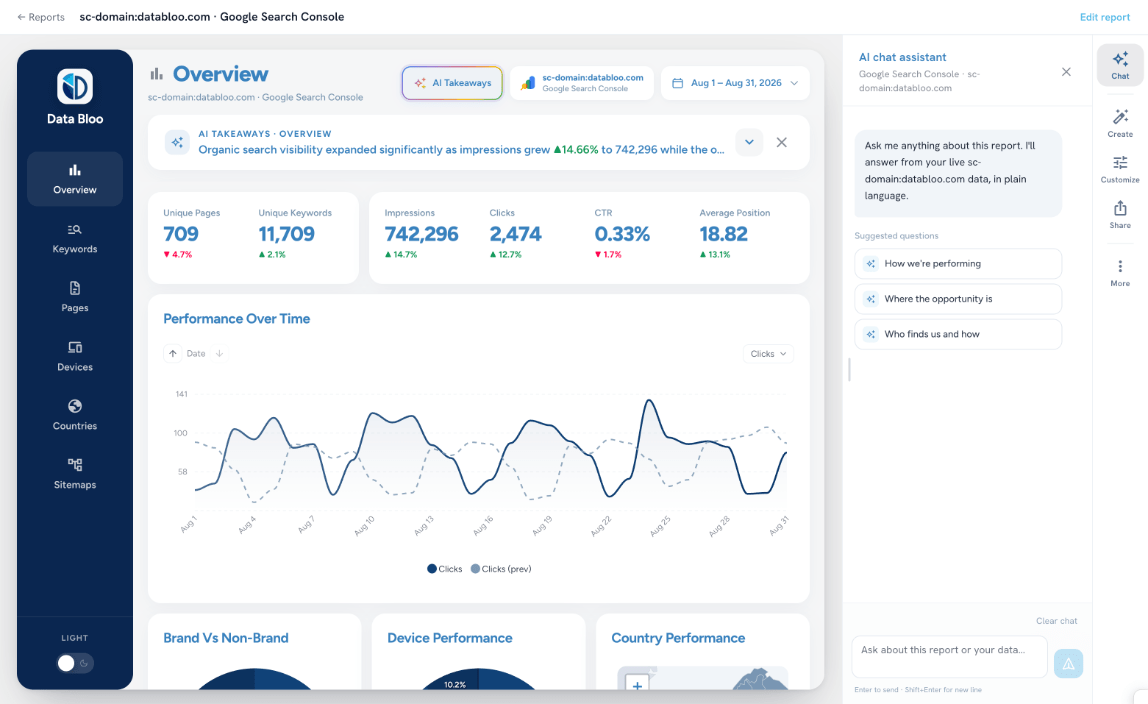
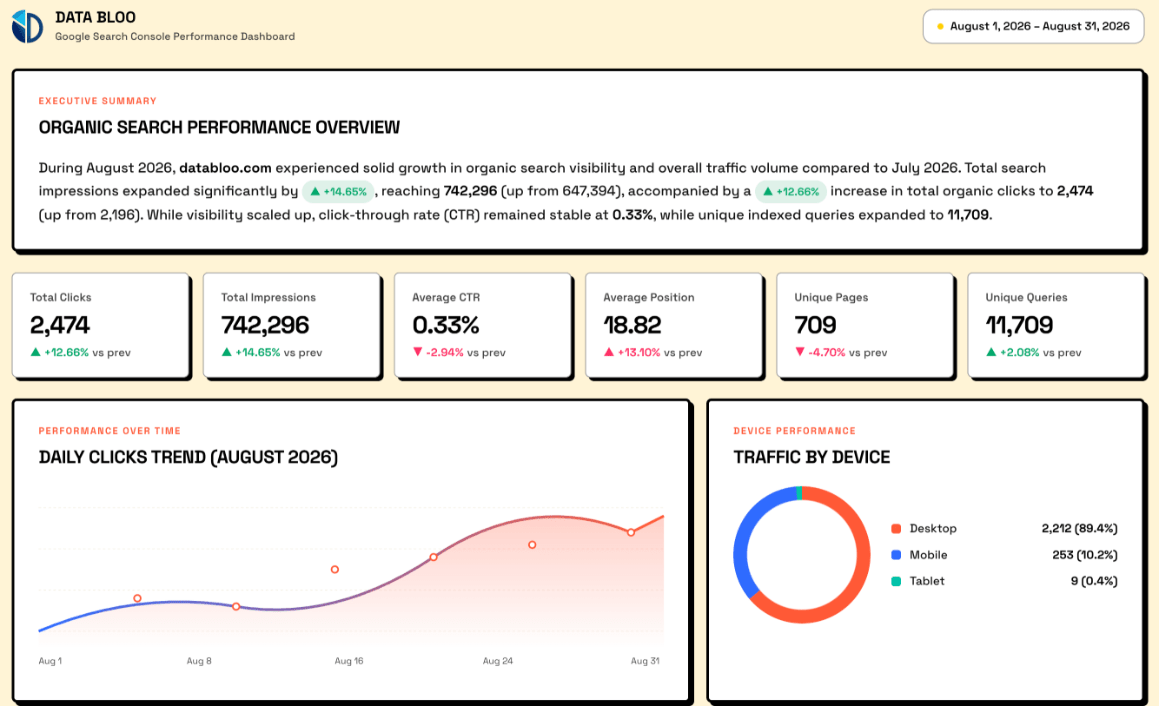
Ask for a 30-day Instagram view and get tables plus a summary ready to share, no Data Studio setup.
Client-ready summaries
"Turn the last 30 days of Instagram into an executive summary." Paste it into Slack, email or a doc.
Diagnose dips fast
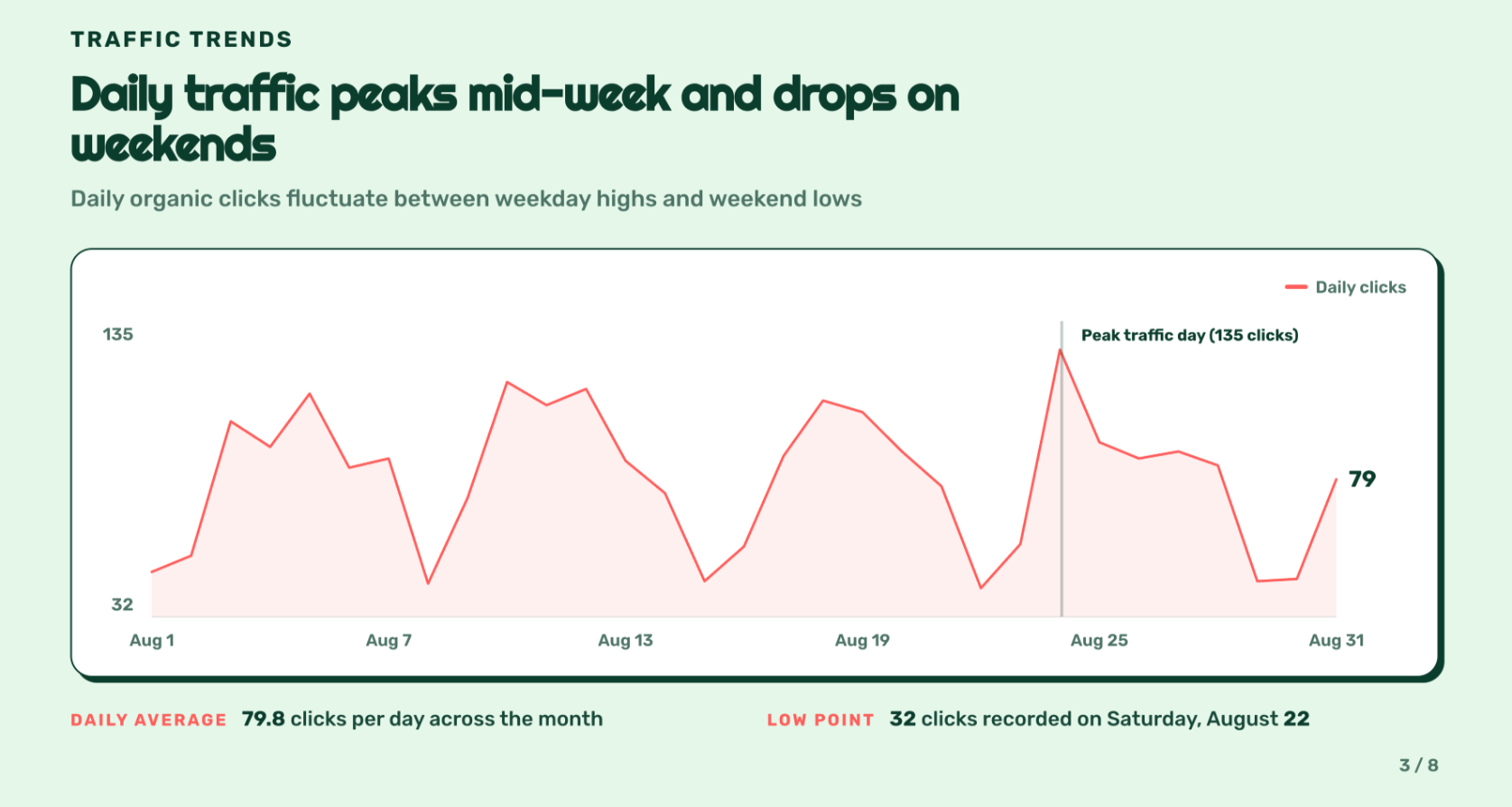
"Why did reach drop on Tuesday?" Claude looks across posts, media types and dates and explains it.
Blend beyond Instagram
Line Instagram up against Facebook Insights, TikTok Insights, LinkedIn Pages or Google Analytics 4 in one answer.
Connect once, use everywhere
The same Instagram Insights account you linked for Data Studio is instantly available to Claude, zero duplicate setup.
Instagram Insights, plus every other connector
Already connected in Data Bloo? It's instantly available to Claude, connect once, use everywhere.
Three ways to connect Instagram to Claude
There are three real options, built for different people. Here's the honest version, including where Meta's official MCP does and doesn't help, so you pick the right one the first time.
A connector like Data Bloo
Connect once and your Instagram insights, plus every other source in Data Bloo, are available to Claude any time. Read-only, built on the official Instagram Graph API, blends across channels, and the same connection feeds your Data Studio reports.
A community MCP server
GitHub hosts a dozen Instagram MCP servers. The solid ones use the official Graph API but need your own Meta developer app, access tokens and self-hosting. Others scrape Instagram's private API, which breaks Instagram's terms and can get an account flagged or banned.
A manual export
Screenshot the Insights tab or export from Meta Business Suite, then upload it to Claude. Free, and it works once. Then you do it again next week, separately for every account. Meta's official MCP won't save you here, it covers ads only.
Data Bloo vs a community MCP vs a manual export
The bottom line: if you're a developer who wants Claude to publish posts or manage DMs, a Graph API-based community server can do that, at the cost of setup and upkeep. If you want Claude to read and report on your Instagram, alongside every other channel, and feed the same data to your dashboards, that's Data Bloo.
When a community Instagram MCP is enough
Data Bloo isn't the right tool for everyone. First, the official option, cleared up: Meta launched its official MCP on April 29,2026 at mcp.meta.com/ads, and it's built for Meta ads, campaigns, budgets and creatives. It doesn't expose organic Instagram insights at all. For organic Instagram, the alternatives are community MCP servers on GitHub. The good ones talk to the official Instagram Graph API and can do things Data Bloo deliberately won't: publish posts, reply to comments, even manage DMs. If you're a developer building automation around your own account and you're comfortable creating a Meta developer app, managing access tokens and self-hosting a server, that route buys you write access.
The trade-offs are real. You maintain it: tokens expire, Graph API versions change, and the server runs on your machine and your time. The scraping-based servers are riskier still, they log in with your Instagram credentials against Instagram's terms of service, and accounts running them get checkpointed or banned. And none of them blend Instagram with your other channels or feed a dashboard. Plenty of teams keep it simple: a community server to act on an account, Data Bloo to read, blend and report across everything.
What you need
Three things, and you probably already have them.
How to connect Instagram to Claude
Pick your Claude client. Desktop & Web are easiest for most marketers; Claude Code is a one-liner for developers.
Go straight to Data Bloo in the Claude directory. You’ll see what it does and every source it supports.
Open Data Bloo in Claude →The Connect button sits at the top right of the listing. It works the same on claude.ai and Claude Desktop.
Claude opens Data Bloo’s sign-in page. Log in with your Data Bloo account and approve read access. Nothing in your accounts can be changed.
Try: "Using Data Bloo, show me my key metrics for the last 30 days and what changed." Claude returns a table plus a short analysis you can share.
Open your terminal and run:
claude mcp add --transport http databloo https://mcp.databloo.com/mcp
Next time you start a Claude Code session, Claude opens your browser to sign in to Data Bloo. Sign in once, the connection persists across sessions.
Run /mcp list, you should see databloo with status connected.
Confirm it works: in a fresh chat, ask "Using Data Bloo, list all the data source accounts I have connected." If Claude returns your accounts, you're fully connected.
Take the MCP for a spin
Walk through connecting Instagram to Claude and pulling a report, no signup, right here in the page.
Seven read-only tools, why this can't get you banned
You just ask in plain language, Claude picks the right tool. The typical flow: list_data_sources → get_connector_accounts → list_fields → query_data.
get_userlist_data_sourcesget_connector_accountslist_fieldsquery_datalist_accountsget_datesRead-only, always. Claude can pull and analyze your Instagram insights, it can never publish a post, reply to a comment, send a DM or touch your profile. Nothing Instagram could ever flag.
Read-only safety and your dashboards, in one connection
The write-capable servers make you choose: hand an AI the keys to your Instagram account, or keep screenshotting the app. Data Bloo doesn't ask you to choose. It reads, it reports, and the exact same connection already powering your Data Studio dashboards now answers questions in Claude.
It can't touch your account
All seven tools are read-only, and the data comes through the official Instagram Graph API, no scraping, no password sharing. Claude pulls and analyzes your insights, but it can't publish a post, reply to a comment or change a setting, so there's no wrong instruction that could put your account at risk.
One connection, two surfaces
The Instagram Insights source you built for Data Studio is the same one Claude reads. No second setup, no second bill, and the numbers Claude quotes always match the dashboards you send clients. It's the one thing a self-hosted, single-channel server structurally can't give you.
What Claude actually gives you back
Three real prompts and the kind of answer Claude returns once Instagram is connected through Data Bloo, numbers, then a plain-language read.
Claude: Last 30 days on Instagram, 486,210 reach, 1,204,551 views and 2,318 new followers. Engagement rate held at 4.8%, up from 4.3% the prior period.
Claude: Highest, a behind-the-scenes reel at 9.2% engagement on 84,300 reach. Lowest, a static product post at 1.4%. Your top three are all reels, and saves on the winner ran 3× your account average.
Claude: Reels, 312,480 reach with 6.1% engagement. Posts, 121,900 reach at 3.2%. Stories, 51,830 reach, mostly your existing followers.
Example outputs shown for illustration; your figures come live from your own connected account.
What do you want to create?
Pick a format, a source and an account. Data Bloo uses AI to build it with your numbers and your branding.
 Data Studio
Opens a template in Data Studio, already connected to this account.
Previewing
Data Studio
Opens a template in Data Studio, already connected to this account.
Previewing
What Instagram data you can pull
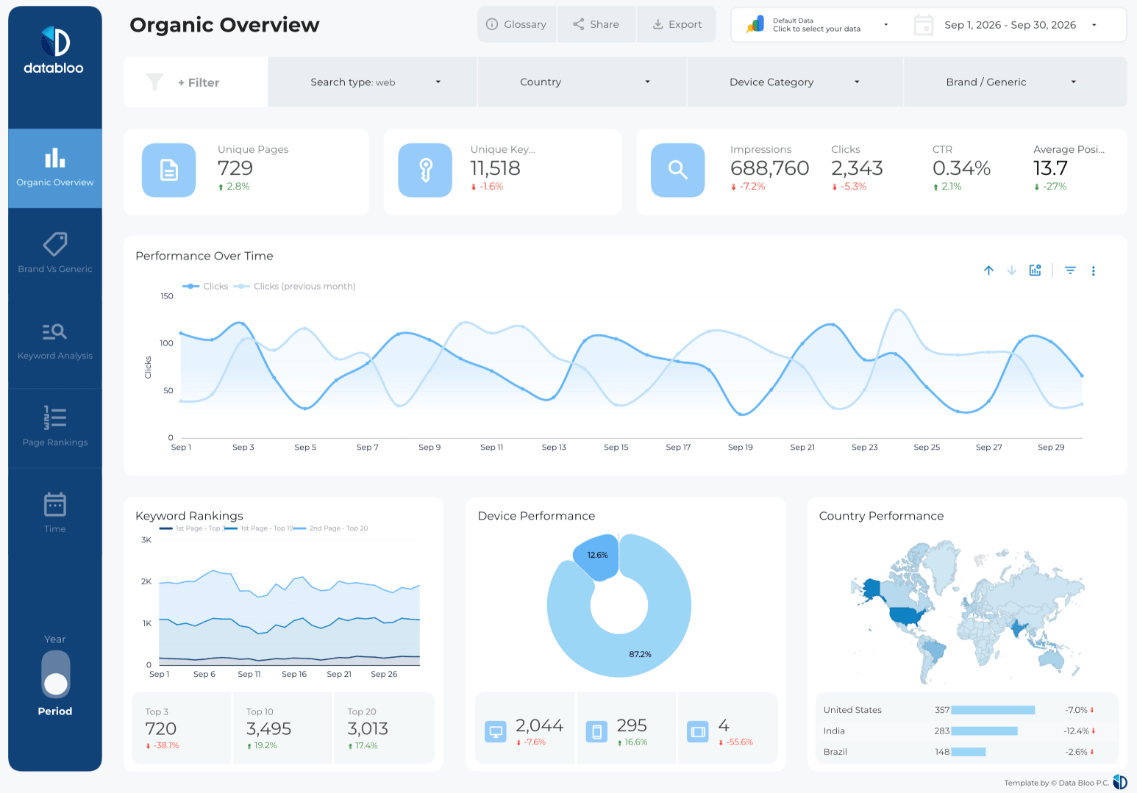
The same metrics you use in your reports, sliced by post, media type, date and audience country, age and gender.
Reach, views, profile views and accounts engaged, for the account overall and for individual posts, reels and stories.
Likes, comments, shares and saves, plus engagement rate, so you see what people actually did, not just what they scrolled past.
Follower count over time, new followers, and audience demographics by country, city, age and gender.
Post, reel and story metrics side by side, sliced by media type and date, so you see which formats carry the account.
Prompts to paste into Claude
Once connected, drop any of these into a fresh chat. Name Data Bloo in your first message, then drill in.
Built for how you actually work
Same connection, different job to be done. Here's the prompt each type of marketer tends to start with.
Agencies
Pull and compare across every client account without switching logins, then draft the monthly report in the chat.
Content & social teams
See which posts, reels and stories actually performed, then brief next month's calendar on numbers instead of hunches.
Creators & brands
Track follower growth and audience demographics without living in the Insights tab, and know your numbers before a brand call.
Common issues and fixes
You're likely not signed in yet, or Instagram Insights isn't connected in Data Bloo. Ask "Using Data Bloo, list the accounts I have connected." If it comes back empty, open Data Bloo, confirm your Instagram Insights source is connected, then try again.
Small gaps are normal. Instagram processes insights with a delay, time zones shift which day a number lands in, and the app rounds big figures (1.2M covers a lot of ground). Instagram also replaced impressions with views in 2025, so older exports and some tools count differently. For trends, comparisons and reporting the Data Bloo pull is solid; for a post published an hour ago, the app is freshest.
Instagram only reports audience demographics once an account passes 100 followers. And insights exist from the day the account became a Business or Creator account, anything posted before the switch has no insights to pull. Neither is a Data Bloo limit, it's what the Instagram API provides.
That's on purpose. The connection is read-only. If you need to publish posts or manage comments from a chat, that's a self-hosted community server with write access, not this.
Query notes & FAQs
Not for organic data. Meta's official MCP, launched in April 2026 at mcp.meta.com/ads, manages Meta ad campaigns only and doesn't expose Instagram insights. For organic reach, engagement and follower data you need a connector like Data Bloo, or a self-hosted community server.
Yes. Instagram only exposes insights for professional accounts. Switching from a personal account is free in the Instagram app settings, and insights start collecting from the day you switch.
It's free to start, no credit card. The free tier includes MCP access with usage limits; paid plans raise the limits and add more connected accounts.
No. All seven MCP tools are strictly read-only. Claude can pull and analyze your insights but can never publish a post, reply to a comment, send a DM or edit your profile.
Any MCP-compatible client, Claude Desktop, Web and Code, plus ChatGPT, and Gemini. The same URL works across all of them.
Yes. As long as they're connected in Data Bloo, ask Claude to compare Instagram against Facebook Insights, TikTok Insights, LinkedIn Pages or your Google Analytics 4 traffic, and it pulls one blended answer.
Claude queries your data live through Data Bloo's connectors the moment you ask, subject to each platform's API freshness and your plan's refresh limits.
No. A free Claude account is enough to add the Data Bloo connector and start pulling Instagram reports. Your Claude plan is separate from Data Bloo, and the connector works on Claude Desktop, Web and Code.
Yes. You sign in once through Data Bloo's secure OAuth flow, and the data comes from the official Instagram Graph API, no scraping, no password sharing. The connection is strictly read-only, so there's nothing Instagram could ever flag.
Yes. Ask Claude to list your connected Instagram Insights accounts, and it can pull and compare across them, handy for agencies running multiple clients.
Yes. Pair the MCP with Claude's scheduled tasks or Claude Code for an automatic Monday-morning performance digest, follower-growth alerts or a recurring client update, unattended.
Pick how many accounts. Everything else is included.
Every data source, every destination, the Data Bloo MCP and white-label reports come with every paid plan.


Chat with your Instagram today
Connect Instagram to Claude in under 2 minutes and pull reports straight from the chat. Free to start, no credit card.