






How to Connect Instagram to ChatGPT
Install the Data Bloo plugin from ChatGPT's directory, sign in once, and ask about reach, views, engagement and follower growth straight from the chat. No screenshots, no exports. It runs on the official Instagram Graph API, it's read-only, and here's the 1-minute setup.
 ChatGPTData Bloo installed
 query_data · Instagram Insights ✓
The Data Bloo plugin
Open Plugins in ChatGPT, search Data Bloo, hit Install and sign in. No Meta developer app, no access token, no server URL and no API key anywhere in this setup. Everything below is just where to click.
What connecting Instagram Insights to ChatGPT actually means
You ask ChatGPT about your Instagram account and get a real answer, pulled from your actual profile, in seconds. Type "@Data Bloo how did we do on Instagram last month" and it reads your numbers, draws a small dashboard in the thread and tells you which posts carried it. No screenshots, no CSV. The connection runs through the Data Bloo plugin in ChatGPT's own directory, takes about a minute to set up, and it's read-only.
It runs on the official Instagram Graph API, so the numbers are the ones Meta reports, not a scrape. The alternative routes ask you to register a Meta developer app, generate a long-lived access token and run a server yourself. Data Bloo skips all of it: install from the directory, sign in once, ask in plain English.
Stop screenshotting Insights. Start asking.
The same Instagram account you already track in your Data Studio reports, now answering questions in a chat.
Ask, get instant answers
"Which Reels drove the most reach last week?" ChatGPT pulls the numbers and explains them.
A dashboard, not a wall of text
Reach, engagement and follower growth come back as tiles and a format table, drawn inside the thread.
Client-ready summaries
"Turn last month's Instagram into a social report." Paste it into Slack, email or a doc.
Diagnose a flat month
"Why did reach drop after the 12th?" It looks across formats, posts and dates and explains it.
Blend beyond Instagram
Line organic reach up against Facebook Ads spend, TikTok or your store revenue in one answer.
Connect once, use everywhere
The same account you linked for Data Studio is instantly available to ChatGPT, zero duplicate setup.
Instagram Insights, plus every other connector
Already connected in Data Bloo? It's instantly available to ChatGPT, connect once, use everywhere.

Three ways to connect Instagram Insights to ChatGPT
They solve different problems. Here's the honest version so you don't set up the wrong one.
A connector like Data Bloo
One-click install from ChatGPT's directory, sign in once, ask in plain English. No developer app, no access token, nothing to host. Read-only, blends Instagram with your other channels, and the same connection feeds your Data Studio reports.
A Meta developer app
Meta's Graph API is open to anyone who registers a developer app. Free and complete. The trade-off: you create the app, get it reviewed for the Instagram permissions, generate and refresh long-lived tokens, and run a server yourself.
A manual export
Screenshot the Insights tab or export what Meta lets you, then upload it into the chat. Free, and it works once. Then you do it again next month, and the numbers stop being comparable.
Data Bloo vs a Meta developer app vs a manual export
| Data Bloo | Developer app | Manual export | |
|---|---|---|---|
| Setup | ~1 min, one click | App review, tokens, server | New export each time |
| Reads your data | Yes, live | Yes, live | A snapshot |
| Changes your account | No (read-only) | Yes, if you request it | No |
| Blends other channels | Yes, 15+ connectors | No, Instagram only | By hand |
| Draws a dashboard in chat | Yes | Text answers | Text answers |
| Feeds Data Studio | Yes, same connection | No | No |
| Price | Free to start | Free | Free |
| Upkeep | None | Token refresh, app review | Redo it each time |
The bottom line: if you're happy shipping a Meta app through review and refreshing tokens, the API is free and gives you everything. If you'd rather skip the setup tax entirely, ask in plain English, and see Instagram next to the rest of your marketing, that's Data Bloo.
When to use a Meta developer app instead
Data Bloo isn't the right tool for everyone. If you want every field the Instagram Graph API exposes, including the ones no reporting tool surfaces, building your own Meta developer app is free and complete. You control the code and the refresh cadence.
The trade-off is everything around it. Meta requires app review for most Instagram permissions, long-lived tokens expire and need refreshing, and you keep a server running. And it only sees Instagram, so it can't tell you whether the reach it's reporting turned into store revenue, or how it compares with your paid social. That's the job Data Bloo does.
Read-only safety and your dashboards, in one connection
Every other route to Instagram in ChatGPT asks you to become a developer first, or to keep screenshotting. Data Bloo asks for neither. It reads, it reports, and the exact same connection already powering your Data Studio dashboards now answers questions in ChatGPT.
It can't touch your account
All seven tools are read-only. ChatGPT pulls and analyzes your Instagram performance, but it can't post, delete, reply to a comment or change a setting. No safety checklist to memorize, because there's nothing to switch off.
One connection, two surfaces
The Instagram source you built for Data Studio is the same one ChatGPT reads. No second setup, no second bill, and the numbers ChatGPT quotes always match the dashboards you send clients. It's the one thing a self-hosted, Instagram-only server structurally can't give you.
What you need
How to connect Instagram Insights to ChatGPT
Seven clicks, start to finish. It works the same on ChatGPT web and the desktop app.
If you already use Data Bloo for your Data Studio reports, skip this, your account is ready. If not, sign up free and link your Instagram Insights account once.
Jump straight to Data Bloo in the ChatGPT plugin directory. You'll see sample prompts and the list of supported sources, Instagram Insights among them.
Open Data Bloo in ChatGPT →The black Install plugin button sits at the top right of the listing, next to the Data Bloo name.
ChatGPT opens Data Bloo's sign-in page. Log in with your Data Bloo account (or the email you use for your connectors) and approve read access.
Once installed, the button flips from Install plugin to Try in chat. Click it to jump straight into a new conversation.
Try: "@Data Bloo Which posts drove the most reach and engagement last month?"
If you have more than one account, ChatGPT asks which to analyze. Answer, and it returns a rendered dashboard plus a written read of what moved and why.
Confirm it works: in a fresh chat, type "@Data Bloo list all the Instagram Insights accounts I have connected." If your account comes back in the list, you're connected.
Take the plugin for a spin
Click through the whole thing, install to a live analysis, no signup, right here in the page.
Seven read-only tools, and nothing to install
You ask in plain language, ChatGPT picks the tool. The usual path for a Instagram Insights question: get_connector_accounts → list_fields → query_data.
get_userlist_data_sourcesget_connector_accountslist_fieldsquery_datalist_accountsget_datesPlus a built-in skill. The plugin ships with data-bloo-channel-analysis, so ChatGPT doesn't just fetch rows, it knows how a social manager reads them: which format is earning reach, which is earning saves, and what to make more of.
Read-only, always. ChatGPT can pull and analyze your Instagram data, it can never post, delete or reply to anything on your account.
What ChatGPT actually gives you back
Three prompts and the kind of answer ChatGPT returns once Instagram Insights is connected through Data Bloo, numbers, then a plain-language read.
ChatGPT: 184,220 reach, 12,940 engagements and 1,842 new followers, a 7.0% engagement rate. Reach is up 22% and followers up 9% on the prior month.
ChatGPT: Reels, 118,400 reach at an 8.4% engagement rate across 14 posts. Carousels, 41,180 reach at 5.1% across 9 posts. Reels average 8,457 reach per post; carousels 4,575.
ChatGPT: Top three by saves, the pricing-teardown carousel (412), the "3 mistakes" Reel (388) and the founder story (241). Saves are up 34% month over month.
Example outputs shown for illustration; your figures come live from your own connected account.
What do you want to create?
Pick a format, a source and an account. Data Bloo uses AI to build it with your numbers and your branding.
 Data Studio
Opens a template in Data Studio, already connected to this account.
Previewing
Data Studio
Opens a template in Data Studio, already connected to this account.
Previewing
What Instagram Insights data you can pull
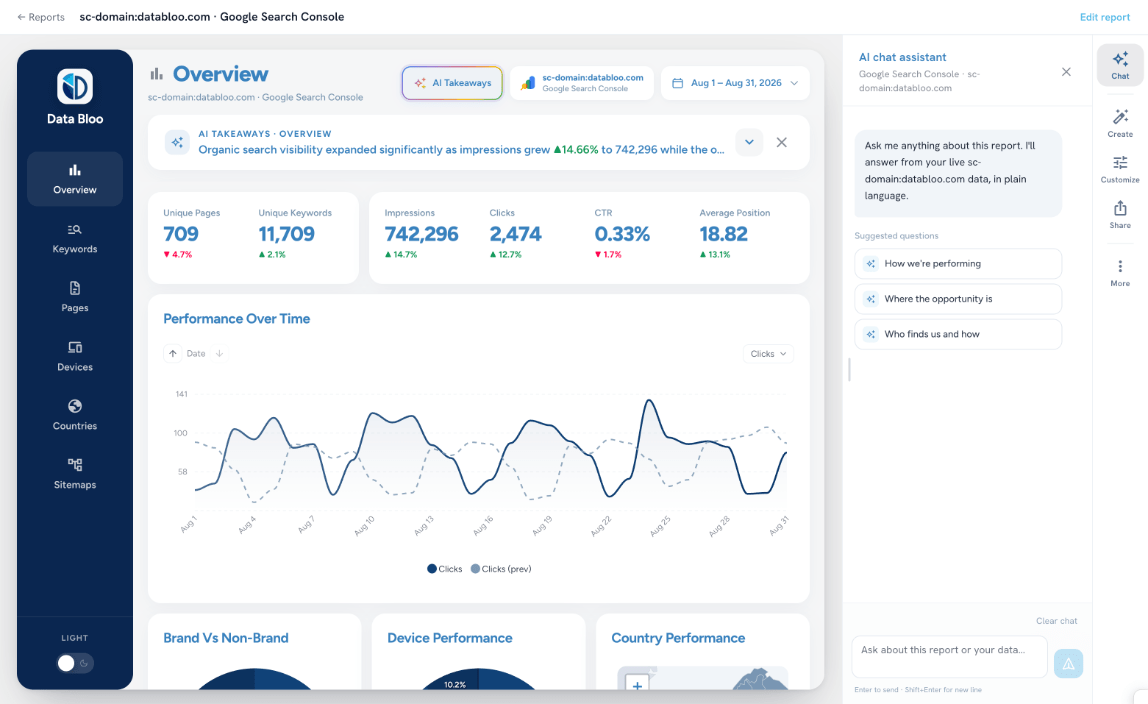
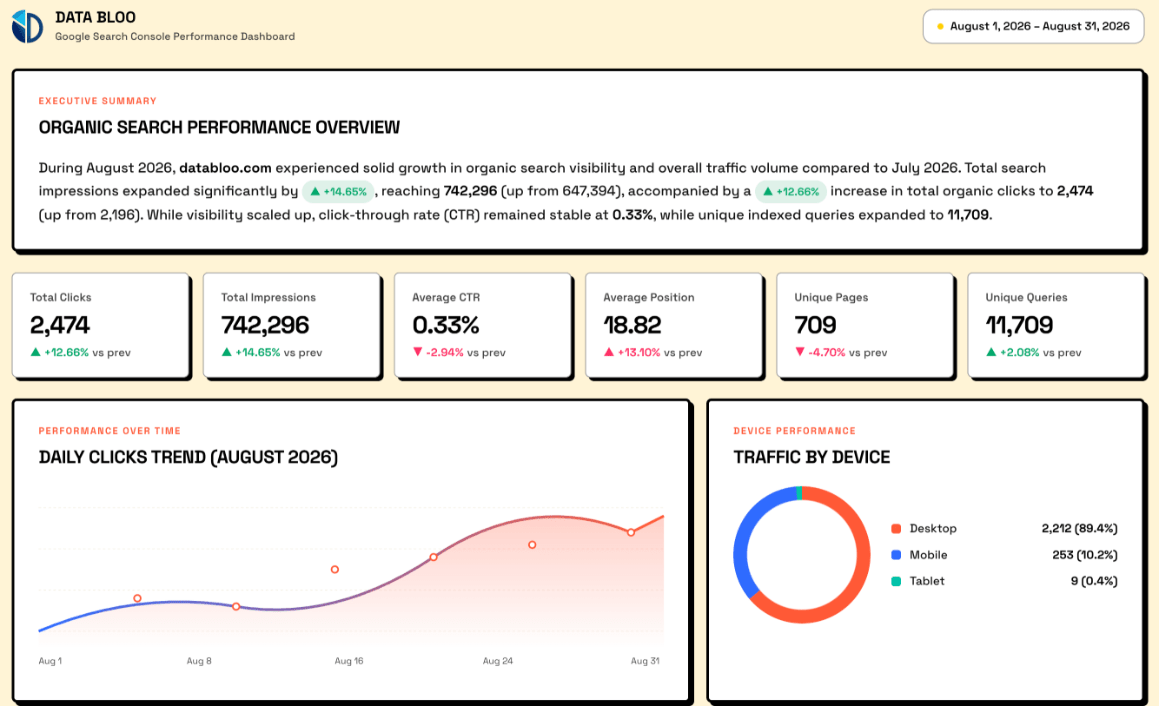
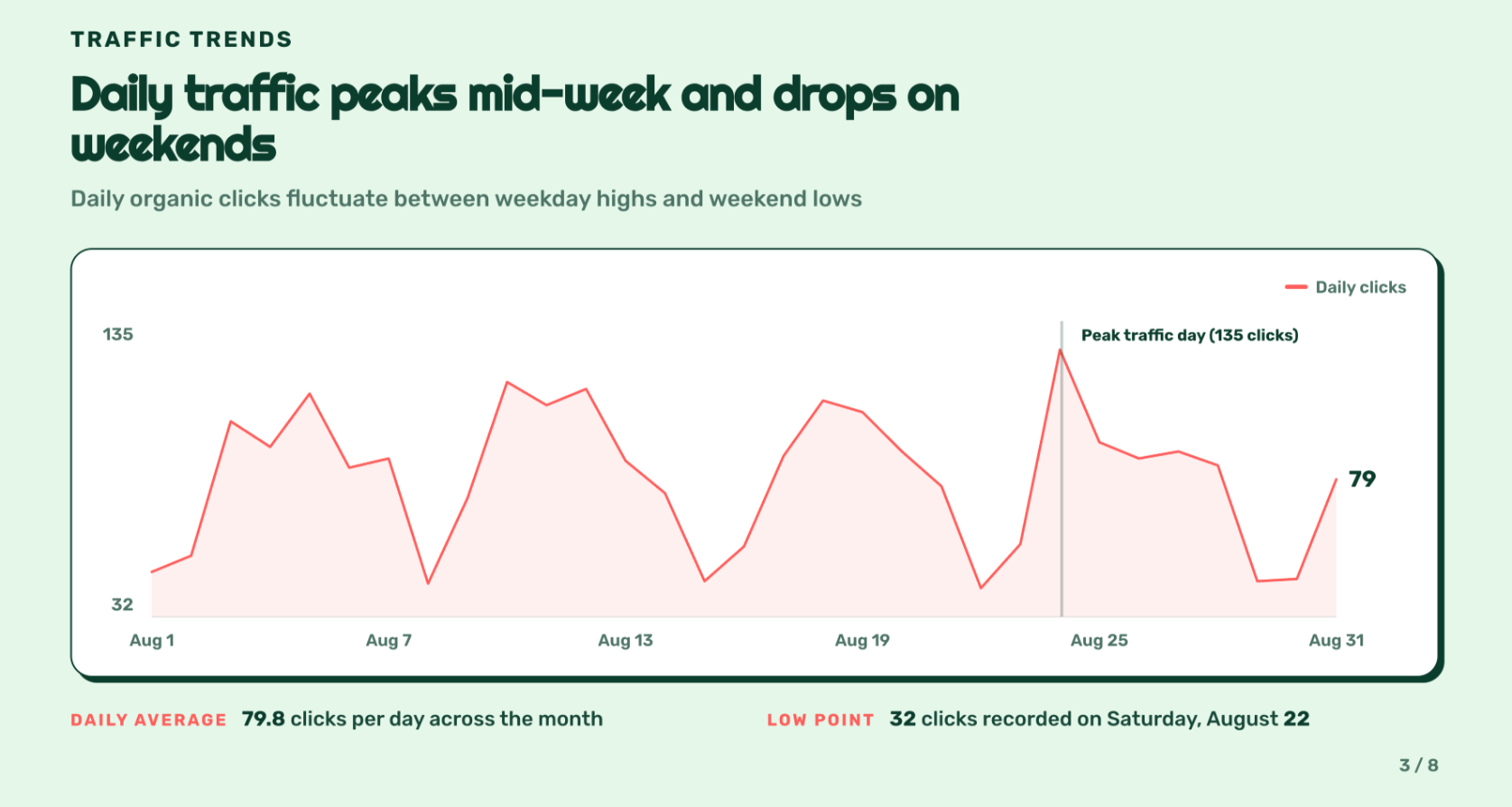
The same metrics you use in your reports, sliced by media type, format, audience age, city, country and date.
Instagram Insights prompts to paste into ChatGPT
Start each one with @Data Bloo so ChatGPT reaches for your account instead of guessing.
Built for how you actually work
Same connection, different job to be done. Here's the prompt each type of marketer tends to start with.
Agencies
Pull and compare across every client account without switching logins, then draft the monthly social report in the chat.
Content & social teams
See which formats and hooks actually earn reach, and plan next month from evidence instead of instinct.
Creators & brands
Track follower growth and saves, and spot the post that quietly outperformed everything else.
Common issues and fixes
Start the message with @Data Bloo. Without the mention it may answer from general knowledge instead of reaching for the plugin, and you'll get a confident, generic reply that has nothing to do with your account.
You're likely not signed in yet, or Instagram Insights isn't connected in Data Bloo. Ask "@Data Bloo list the accounts I have connected." If it comes back empty, open Data Bloo, confirm your Instagram Insights source is connected, then try again.
Instagram's own app and the Graph API count some metrics differently, and recent days keep updating for up to 48 hours. For trends, comparisons and reporting the Data Bloo pull is solid; for today's numbers, give Instagram time to settle.
Instagram only exposes insights for posts published after the account became a Business or Creator account, and story metrics expire after 24 hours. Anything older comes back empty, and that's Meta's limit, not the connection.
That's on purpose. The connection is read-only, so nothing in Instagram Insights can be changed from a chat. If you need to change something, do it in Instagram Insights itself.
Query notes & FAQs
Connect your Instagram account in Data Bloo, then open Plugins in ChatGPT, search for Data Bloo, click Install plugin and sign in. Ask your first question with @Data Bloo. About a minute end to end, with no developer app and no tokens.
It's free to start, no credit card. The free tier includes plugin access with usage limits; paid plans raise the limits and add more connected accounts.
No. The connection is read-only, so ChatGPT can read and analyze your performance but can never post, delete or reply to a comment. Publishing stays where it belongs.
Yes. Instagram only reports insights for Business and Creator accounts linked to a Facebook Page. Personal accounts return nothing, and that applies to every tool, not just Data Bloo.
No. Data Bloo is a listed plugin in ChatGPT's directory, so installing is one click and a sign-in. A server URL is only needed for clients without a directory, like Claude, and that's covered on our Instagram to Claude page.
Reels yes, with reach, engagement and average watch time. Stories are limited: Instagram only exposes story metrics for 24 hours, so historic story data can't be pulled by anything.
Yes. Connect each account in Data Bloo and name the client in your prompt. If you don't specify, ChatGPT asks which account to analyze first.
Yes. Ask ChatGPT to compare Instagram reach against Facebook Page reach, TikTok views or your store revenue, and it pulls one blended answer.
The Data Bloo plugin ships its own interface, so results render as KPI tiles and a table inside the chat. The written analysis still appears underneath, and you can ask for a plain table any time.
Pick how many accounts. Everything else is included.
Every data source, every destination, the Data Bloo MCP and white-label reports come with every paid plan.


Chat with your Instagram Insights data today
Install the Data Bloo plugin in ChatGPT in about a minute and ask your first question. Free to start, no credit card, read-only.