








How to Connect Microsoft Ads (Bing Ads) to Claude with MCP
Connect Microsoft Ads to Claude with the Data Bloo MCP and pull impressions, clicks, spend and cost per conversion straight from the chat, no exports, no dashboards. It's read-only, so it's safe, and here's the 2-minute setup.
The Data Bloo connector
Open the Data Bloo listing in Claude's directory, hit Connect and sign in. There's no server URL, no client ID and no API key anywhere in this setup. Everything below is just where to click.

What connecting Microsoft Ads to Claude actually means
You can ask Claude about your Microsoft Ads, still "Bing Ads" to half the industry, and get a real answer, pulled from your actual account, in seconds. Type "how did my Bing Ads do last month" and Claude reads your numbers and tells you, no CSV export, no dashboard to open. The connection runs through the Data Bloo MCP, takes about two minutes to set up, and it's read-only, so Claude can analyze your campaigns but can never change them.
Microsoft does have its own official MCP server now, announced in June 2026 and rolling out as an open pilot, and it's also read-only. If you live inside Microsoft 365 Copilot and only care about Microsoft data, it's worth a look. Want Claude to read Microsoft Ads next to Google Ads and the rest of your marketing, and feed the same data to your Data Studio dashboards? That's Data Bloo, and that's what the rest of this guide covers.
Stop exporting from the Ads UI. Start asking.
The same Microsoft Ads account you already trust for your Data Studio reports, now answering questions in a chat. No exports, no dashboards to open.
Ask, get instant answers
"Which Microsoft Ads campaigns had the highest CTR last week?" Claude pulls the numbers and explains them.
Reports inside the chat
Ask for a 30-day Microsoft Ads view and get tables plus a summary ready to share, no Data Studio setup.
Client-ready summaries
"Turn the last 30 days of Bing Ads into an executive summary." Paste it into Slack, email or a doc.
Diagnose dips fast
"Why did our cost per conversion jump on Tuesday?" Claude looks across campaigns, keywords, devices and dates and explains it.
See it next to Google Ads
Line Microsoft Ads up against Google Ads, Facebook Ads or Bing Webmaster Tools in one answer, one chat.
Connect once, use everywhere
The same Microsoft Ads account you linked for Data Studio is instantly available to Claude, zero duplicate setup.
Microsoft Ads, plus every other connector
Already connected in Data Bloo? It's instantly available to Claude, connect once, use everywhere.
Three ways to connect Microsoft Ads to Claude
There are three real options, built for different people. Here's the honest version, including the case where the answer isn't us, so you pick the right one the first time.
A connector like Data Bloo
Paste one URL, sign in once, ask in plain English. No pilot waitlist, nothing to host. Read-only, blends Microsoft Ads with Google Ads and every other channel, and the same connection feeds your Data Studio reports.
Microsoft's official MCP
Microsoft announced its own Microsoft Advertising MCP server in June 2026, now rolling out as an open pilot. Read-only like ours, covering campaigns, ad groups, ads and keywords, and it works with Claude, ChatGPT and M365 Copilot. The trade-off: it's Microsoft-only, access is still rolling out, and it won't feed your dashboards.
A manual CSV export
Pull a report from the Microsoft Advertising UI, save the file, upload it to Claude. Free, and it works once. Then you do it again next week, separately for every account.
Data Bloo vs Microsoft's official MCP vs a manual export
The bottom line: if you only run Microsoft Ads and you're happy inside a pilot, Microsoft's own server is free and first-party. If you want Claude to read Microsoft Ads next to Google Ads and the rest of your marketing, and feed the same data to your dashboards, that's Data Bloo.
When to use Microsoft's official MCP instead
Data Bloo isn't the right tool for everyone, and Microsoft's own server is a genuinely good sign for the platform. Announced in June 2026 and rolling out as an open pilot, the Microsoft Advertising MCP server gives AI assistants read-only access to your campaigns, ad groups, ads and keywords, with the performance metrics you'd expect: spend, clicks, impressions, CTR, average CPC, conversions, revenue and ROAS. At launch it supports the Claude desktop app, the ChatGPT desktop app and Microsoft 365 Copilot via Copilot Studio, and it's free to connect. It's first-party, so its numbers come straight from the source.
If your team already lives inside M365 Copilot, or you want a first-party feed and only care about Microsoft Advertising data, join the pilot, it's the natural fit. The trade-offs are the ones you'd guess. Access is still rolling out, so your account may be waiting a while. It only sees Microsoft, so it can't put Bing Ads next to Google Ads, Facebook Ads or your Bing Webmaster Tools data, which for most search teams is the whole question. And it won't feed the Data Studio dashboards you already send clients. Plenty of teams will end up running both: Microsoft's server inside Copilot, Data Bloo wherever the cross-channel reporting happens.
What you need
Three things, and you probably already have them.
How to connect Microsoft Ads to Claude
Pick your Claude client. Desktop & Web are easiest for most marketers; Claude Code is a one-liner for developers.
Go straight to Data Bloo in the Claude directory. You’ll see what it does and every source it supports.
Open Data Bloo in Claude →The Connect button sits at the top right of the listing. It works the same on claude.ai and Claude Desktop.
Claude opens Data Bloo’s sign-in page. Log in with your Data Bloo account and approve read access. Nothing in your accounts can be changed.
Try: "Using Data Bloo, show me my key metrics for the last 30 days and what changed." Claude returns a table plus a short analysis you can share.
Open your terminal and run:
claude mcp add --transport http databloo https://mcp.databloo.com/mcp
Next time you start a Claude Code session, Claude opens your browser to sign in to Data Bloo. Sign in once, the connection persists across sessions.
Run /mcp list, you should see databloo with status connected.
Confirm it works: in a fresh chat, ask "Using Data Bloo, list all the data source accounts I have connected." If Claude returns your accounts, you're fully connected.
Take the MCP for a spin
Walk through connecting Microsoft Ads to Claude and pulling a report, no signup, right here in the page.
Seven read-only tools, why this can't get you banned
You just ask in plain language, Claude picks the right tool. The typical flow: list_data_sources → get_connector_accounts → list_fields → query_data.
get_userlist_data_sourcesget_connector_accountslist_fieldsquery_datalist_accountsget_datesRead-only, always. Claude can pull and analyze your Microsoft Ads, it can never pause a campaign, change a bid, edit a keyword or touch a budget. Nothing Microsoft could ever flag.
Read-only safety and your dashboards, in one connection
Microsoft Ads rarely runs alone, it almost always runs next to Google Ads. Data Bloo reads both, and everything else you've connected, and the exact same connection already powering your Data Studio dashboards now answers questions in Claude.
It can't touch your account
All seven tools are read-only. Claude pulls and analyzes your Microsoft Ads, but it can't pause a campaign, change a bid or edit a keyword, so there's no wrong instruction that could put your account at risk. No safety checklist to memorize, because there's nothing to switch off.
One connection, two surfaces
The Microsoft Ads source you built for Data Studio is the same one Claude reads. No second setup, no second bill, and the numbers Claude quotes always match the dashboards you send clients. It's the one thing a Microsoft-only pilot structurally can't give you.
What Claude actually gives you back
Three real prompts and the kind of answer Claude returns once Microsoft Ads is connected through Data Bloo, numbers, then a plain-language read.
Claude: Last 30 days on Microsoft Ads, 842,317 impressions, 24,655 clicks and €11,238 spent. That's a 2.93% CTR at €0.46 CPC, up 5% on the prior period.
Claude: Best, crm software demo at €14.20 per conversion (86 conversions). Worst, business software at €68.40 (9 conversions). The broad head term spends nearly as much as your top three converters combined.
Claude: Google Ads, €28,540 spend, 1,112 conversions, €25.67 per conversion. Microsoft Ads, €11,238 spend, 517 conversions, €21.74 per conversion.
Example outputs shown for illustration; your figures come live from your own connected account.
What do you want to create?
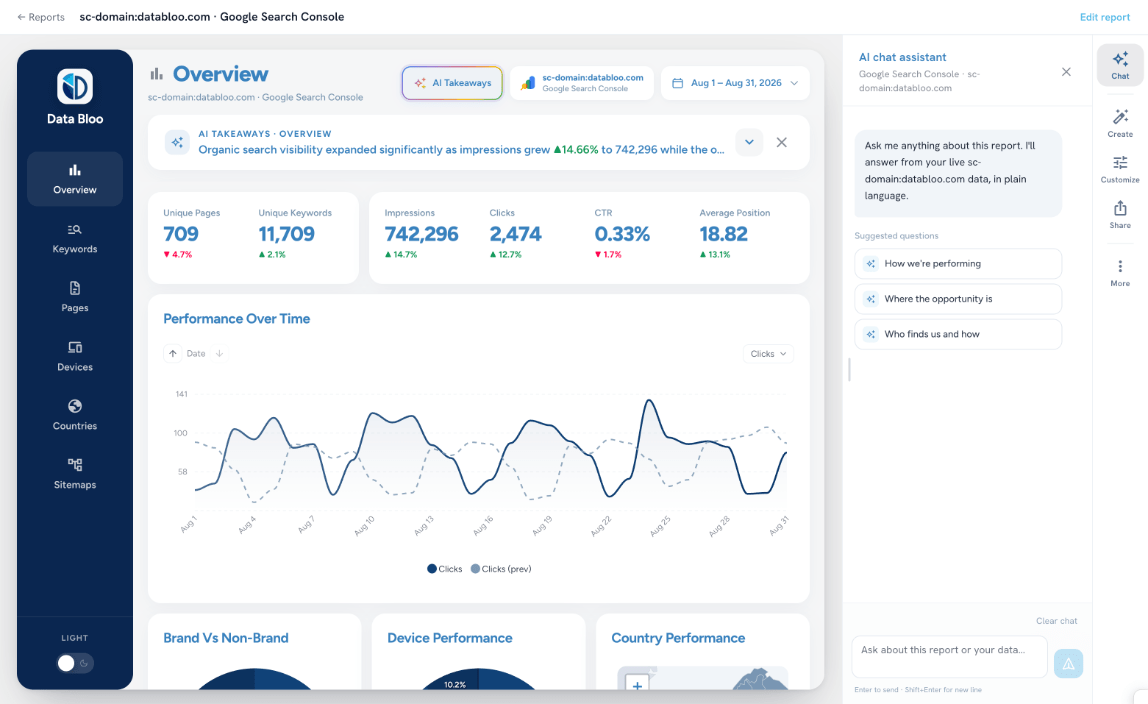
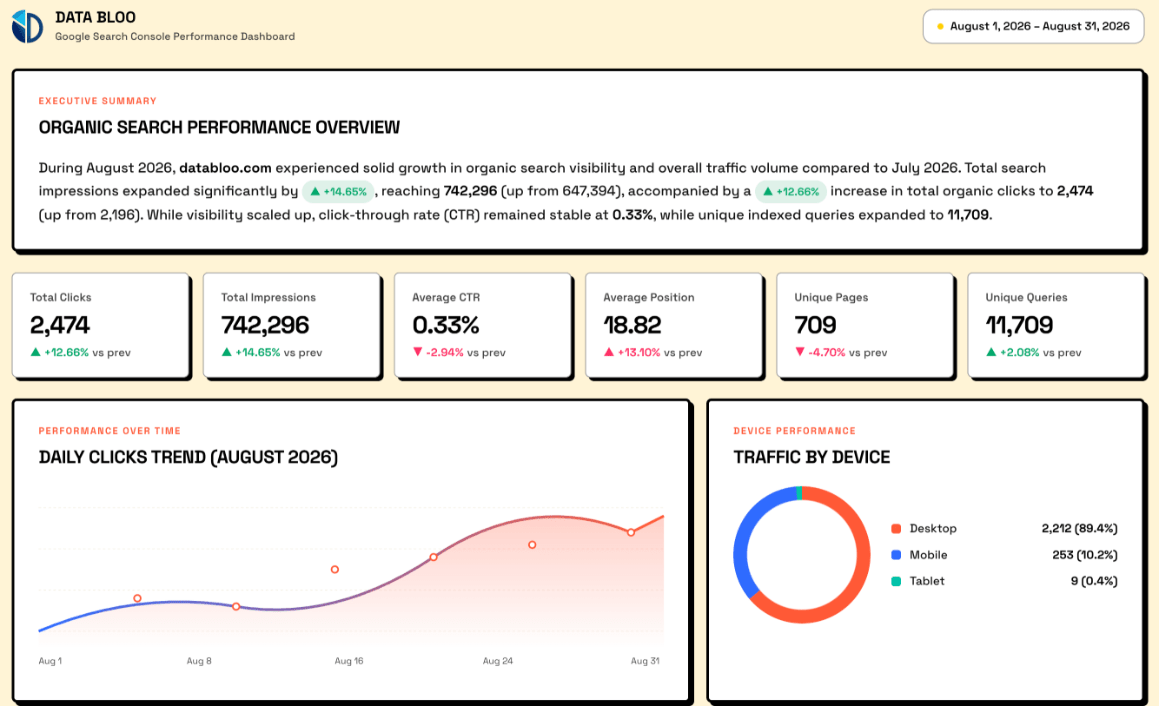
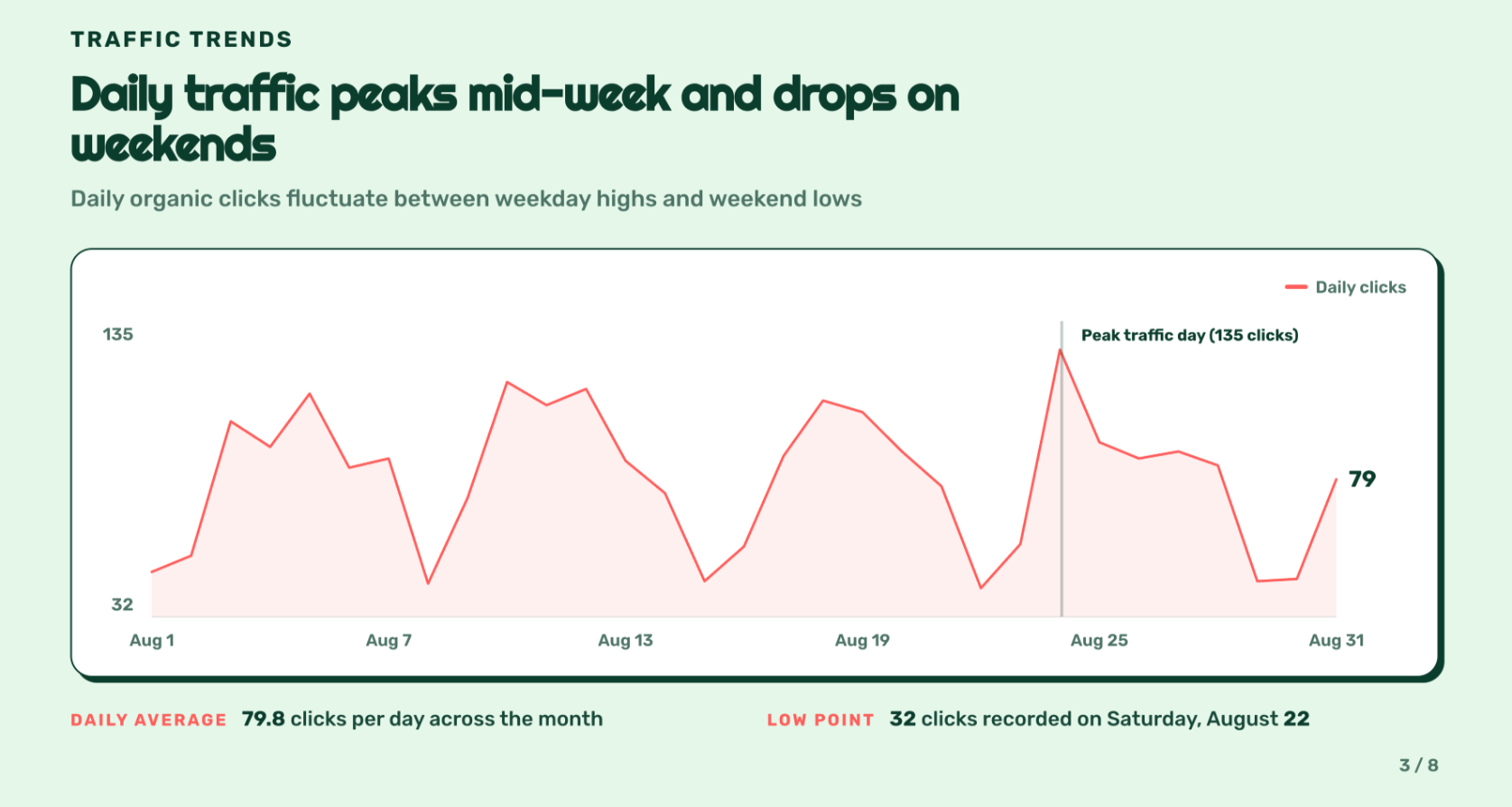
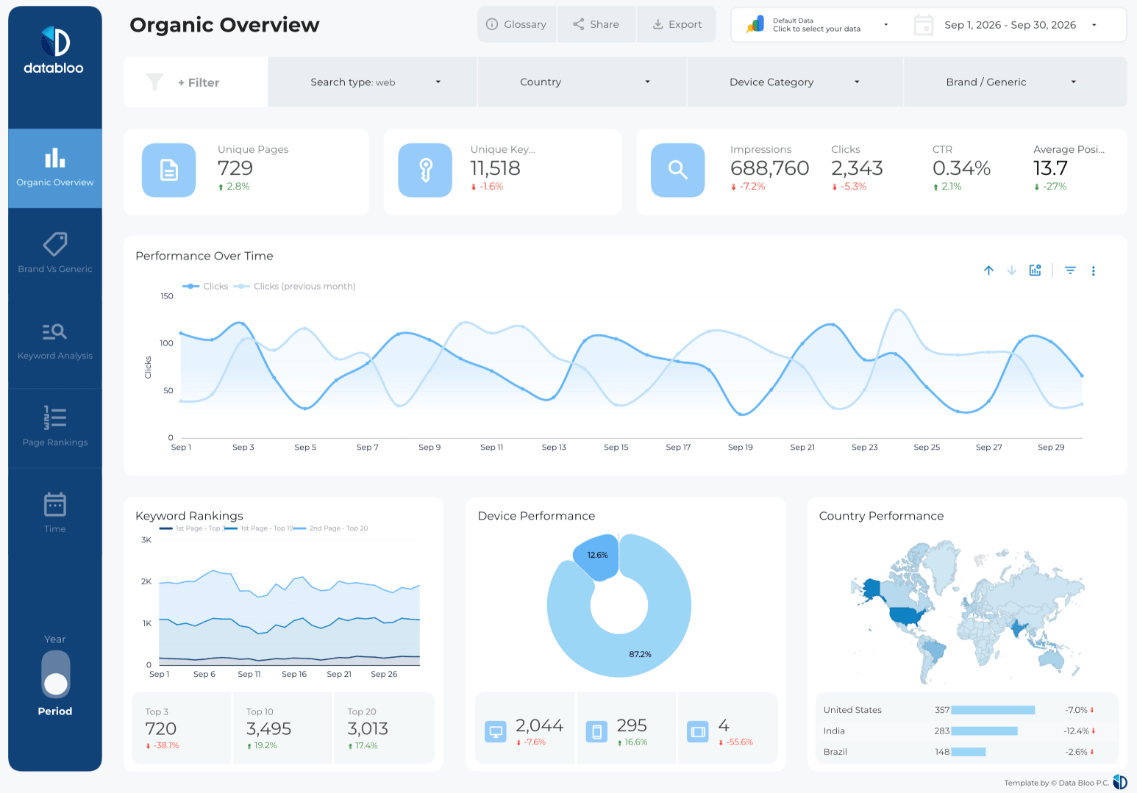
Pick a format, a source and an account. Data Bloo uses AI to build it with your numbers and your branding.
 Data Studio
Opens a template in Data Studio, already connected to this account.
Previewing
Data Studio
Opens a template in Data Studio, already connected to this account.
Previewing
What Microsoft Ads data you can pull
The same metrics you use in your reports, sliced by campaign, ad group, keyword, ad, device, network, location and date.
Impressions, clicks, spend, CTR, average CPC and CPM.
Conversions, conversion rate and cost per conversion, plus revenue, so ROAS comes through when your account tracks it.
Campaign, ad group, keyword, ad, device, network, location and date.
Most Microsoft Ads accounts mirror a Google Ads account. Connect both in Data Bloo and ask Claude for one blended answer, spend, conversions and cost per conversion, engine by engine.
Prompts to paste into Claude
Once connected, drop any of these into a fresh chat. Name Data Bloo in your first message, then drill in.
Built for how you actually work
Same connection, different job to be done. Here's the prompt each type of marketer tends to start with.
Agencies
Microsoft Ads is often the account nobody checks daily. Pull and compare across every client without switching logins, then draft the monthly report in the chat.
PPC & performance teams
Watch Bing next to Google without a second dashboard, catch the keyword that's quietly cheaper on one engine, and move budget with numbers behind you.
Lead gen & B2B
Bing's audience skews older, professional and desktop-heavy, often a cheaper lead than Google. Watch conversions and cost per lead by campaign, and catch a rising CPA early.
Common issues and fixes
You're likely not signed in yet, or Microsoft Ads isn't connected in Data Bloo. Ask "Using Data Bloo, list the accounts I have connected." If it comes back empty, open Data Bloo, confirm your Microsoft Ads source is connected, then try again.
Small gaps are normal. Conversion windows differ, your account's time zone shifts which day a click lands in, and Microsoft keeps restating recent conversions for days as they trickle in. For trends, comparisons and reporting the Data Bloo pull is solid; for the last few hours of a live campaign, the native UI is freshest.
Check the network breakdown. Microsoft Ads serves across Bing, its syndicated search partners and the Microsoft Audience Network, and partner traffic often has a great CPC and a poor conversion rate. Ask Claude to split performance by network, then decide what the cheap clicks are actually worth.
That's on purpose. The connection is read-only. If you need to edit campaigns from a chat, that's a different class of tool, and Microsoft's own MCP pilot is read-only too, so today the edits happen in the Microsoft Advertising UI.
Query notes & FAQs
Yes. Microsoft announced its Microsoft Advertising MCP server in June 2026, currently rolling out as a read-only open pilot that works with Claude, ChatGPT and M365 Copilot. It only sees Microsoft data, though, so it can't blend Bing Ads with Google Ads or feed your Data Studio dashboards, that's where Data Bloo fits.
No. All seven MCP tools are strictly read-only. Claude can pull and analyze your data but can never edit campaigns, bids, keywords or budgets. Any change to your account still happens in the Microsoft Advertising UI, by you.
Yes. You sign in once through Data Bloo's secure OAuth flow, and the connection is strictly read-only. Claude can pull and analyze your Microsoft Ads but can never pause a campaign, change a bid or take any action Microsoft could flag.
Yes, and it's the most common ask. Connect both in Data Bloo and Claude can put spend, conversions and cost per conversion side by side, engine by engine, in one answer. The same goes for Facebook Ads, Search Console or Bing Webmaster Tools.
Any MCP-compatible client, Claude Desktop, Web and Code, plus ChatGPT, and Gemini. The same URL works across all of them.
No. A free Claude account is enough to add the Data Bloo connector and start pulling Microsoft Ads reports. Your Claude plan is separate from Data Bloo, and the connector works on Claude Desktop, Web and Code.
Claude queries your data live through Data Bloo's connectors the moment you ask, subject to each platform's API freshness and your plan's refresh limits. Keep in mind Microsoft restates recent conversions for a few days.
Yes. Ask Claude to list your connected Microsoft Ads accounts, and it can pull and compare across them, handy for agencies running multiple clients.
Yes. Pair the MCP with Claude's scheduled tasks or Claude Code for an automatic Monday-morning KPI digest, anomaly alerts or a recurring client update, unattended.
Pick how many accounts. Everything else is included.
Every data source, every destination, the Data Bloo MCP and white-label reports come with every paid plan.


Chat with your Microsoft Ads today
Connect Microsoft Ads to Claude in under 2 minutes and pull reports straight from the chat. Free to start, no credit card.