





Free Facebook Insights Data Studio Connector
Connect your Facebook Page Insights data to Data Studio for free. Start in under 3 minutes with our ready-to-use template and track followers, reach, engagement and page views across every post effortlessly.
The Free tier includes 1 account and up to 300 daily refreshes (API calls).
Free forever · No credit card required
Join 10,000+ users powering up their reports with our connectors
What do you want to create?
Pick a format, a source and an account. Data Bloo uses AI to build it with your numbers and your branding.
 Data Studio
Opens a template in Data Studio, already connected to this account.
Previewing
Data Studio
Opens a template in Data Studio, already connected to this account.
Previewing
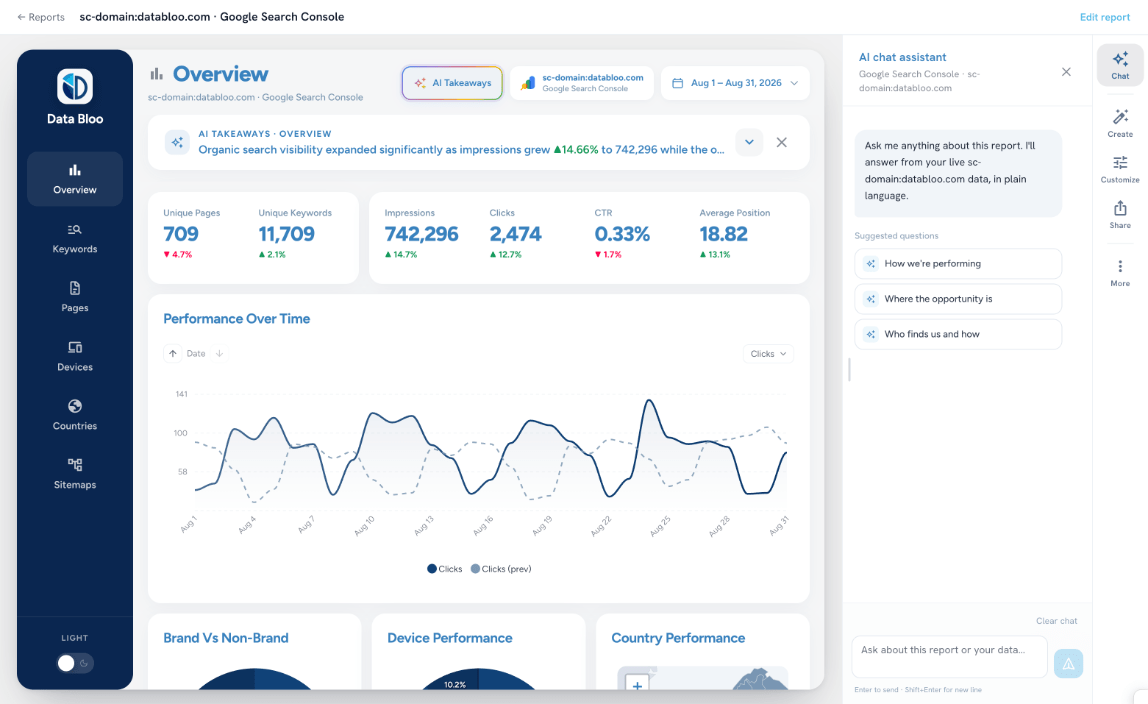
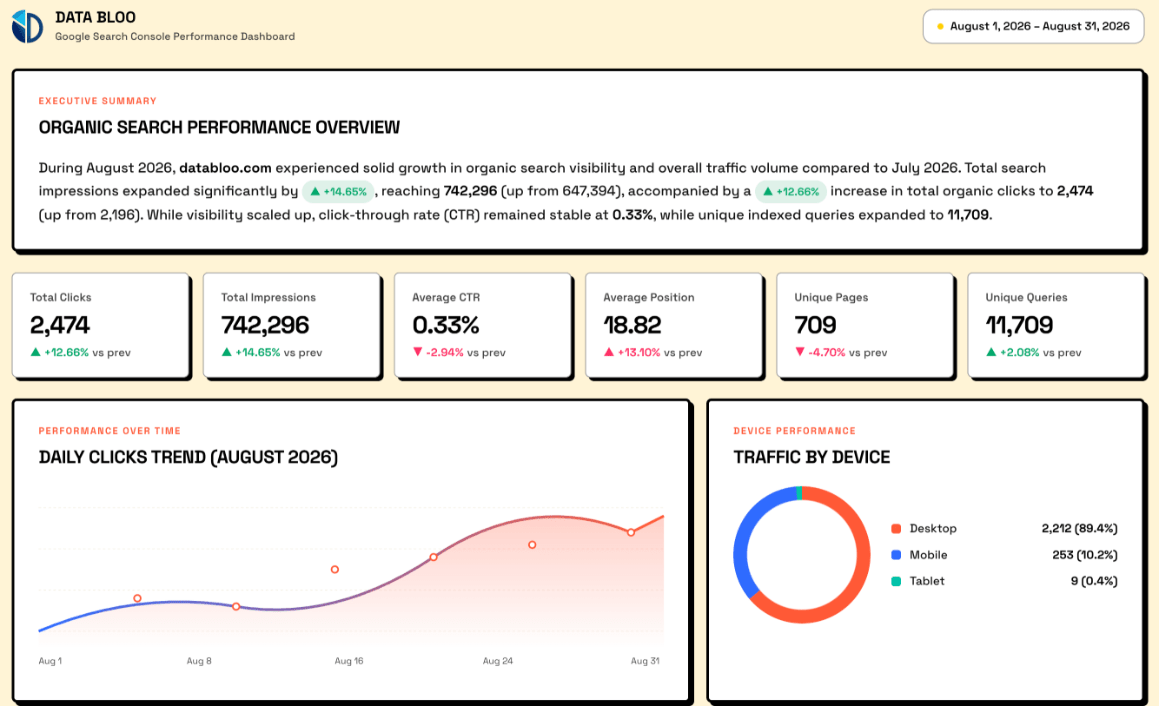
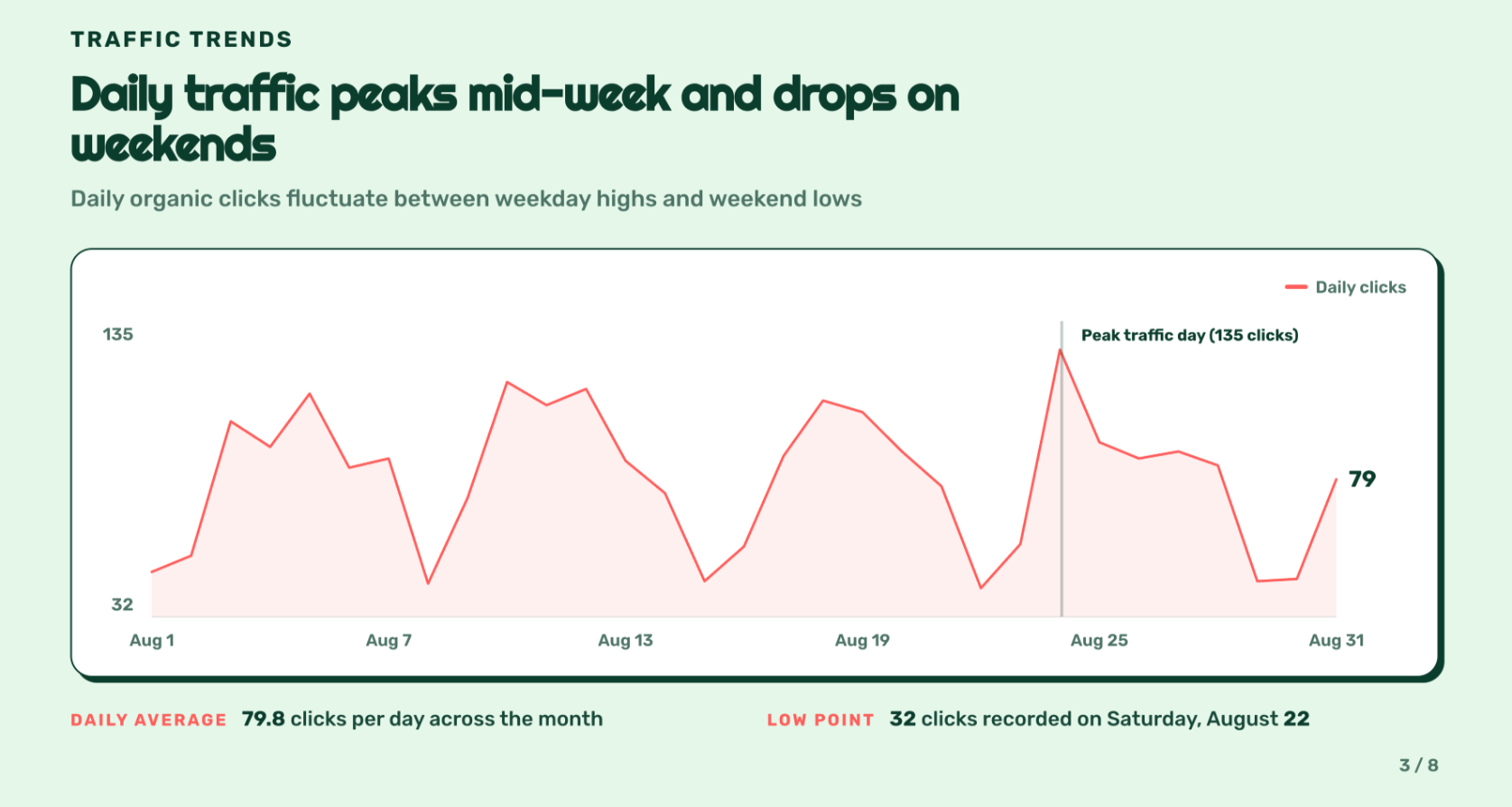
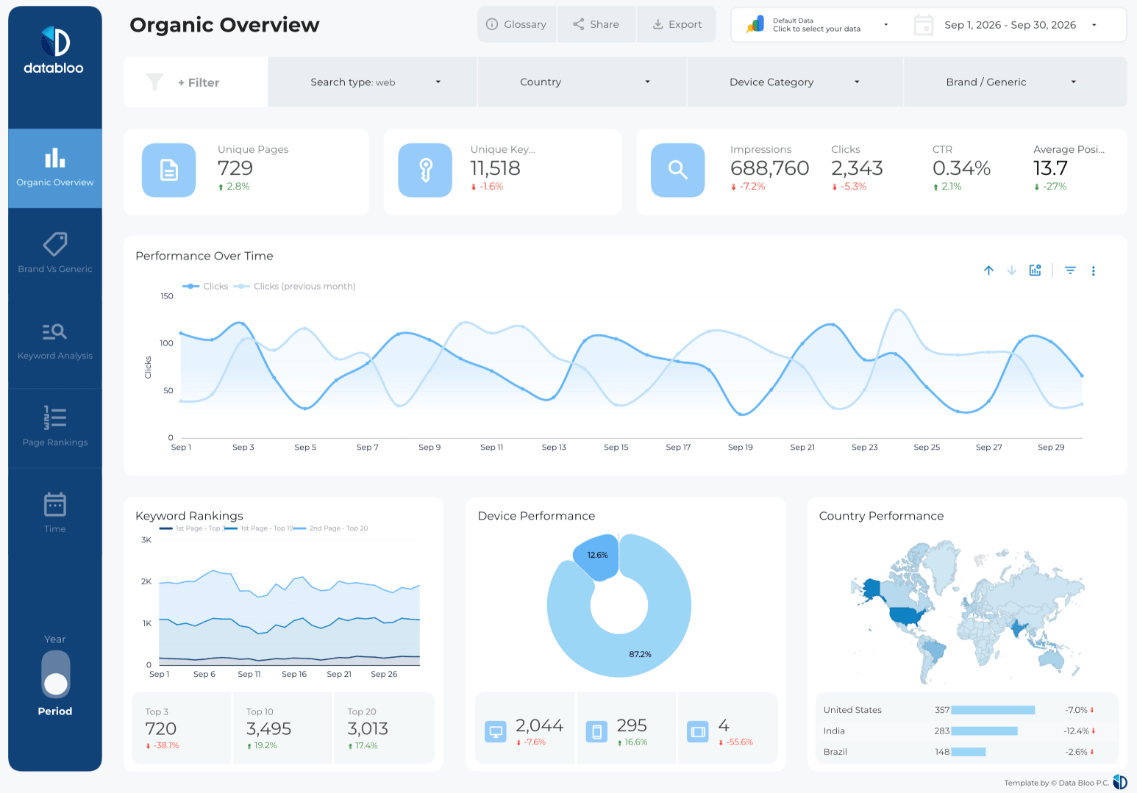
How to Connect Facebook Insights to Data Studio
Connect your Facebook Insights to Data Studio using Data Bloo's free connector. This guide walks you through the setup step by step.
Prerequisites
How to Connect
Sign in to Data Bloo
Visit hub.databloo.com and click Sign in, log in using Google or your email and password.
Navigate to the Facebook Insights data source
After logging in, go to Data Sources from the left menu and click the Facebook Insights tile under "Add new data source".
Connect to Facebook Insights
Click "Connect with Facebook Insights" to start the authorization, then approve the requested permissions to allow Data Bloo to access your data.
Select your Pages
Choose one or more Pages to connect, you can even select all of them, then click Connect Selected Accounts.
Review the connection
Your connected Pages appear under the Facebook Insights data source. You can add more or disconnect at any time, then click Data Studio to proceed.
Authorize in Data Studio
Authorize both the connector and your Facebook Insights data. Click "Edit and share", then "Acknowledge and save", and wait a few seconds for the report to generate.
View the Facebook Insights report
Your dashboard loads with key metrics, Followers, Reach, Impressions, Engagement, Page views, Reactions, Shares, plus post breakdowns.
Optional: break down by post type
Break down by post type, compare periods, or add multiple Pages directly in Data Studio.
Troubleshooting
Data Bloo does not store your Facebook Insights data. All access is read-only and securely pulled via the Facebook Graph API.
This connector lets you aggregate data from multiple accounts, or all accounts, into one report for your reporting.
Every Facebook Insights field, ready to report
Slice 120+ Facebook Insights metrics and dimensions in Data Studio, no SQL and no manual exports. Here's a taste of what you can report on out of the box.
Why connect your Facebook Insights to Data Studio?
Improve your Facebook Insights reporting effortlessly with our fast and reliable Data Studio connector, supporting multiple Pages.
Free plan available
Start free with 1 account and up to 300 daily refreshes. Perfect for testing, small accounts, and building your first dashboards.
Ready-to-use template
Jumpstart your analytics in minutes with our pre-built, Google-featured template. Spend less time setting up and more time gaining insights.
Fast, reliable connection
Experience a rapid and dependable connection that delivers real-time answers about your ads' performance, whenever you need them.
Multiple accounts
Use our connector for multiple ad accounts in a single report. Perfect for agencies and teams managing several clients at once.
Data Bloo vs. other connectors
The same Facebook Page data, without the price tag, the broken reports, or the per-account fees.
Thousands of marketers already rely on us for multi-channel reports
An excellent and essential service for digital agencies. The connectors and templates saved our team a huge amount of time while presenting client data clearly. Please take my money!
As an agency, we bought the master template and absolutely love it. Clearly built by people who understand real agency needs, the connector makes Meta-to-Looker effortless.
We deliver multi-channel reports with minimal setup. Duplicate, reconnect client assets, share, no rebuilding dashboards. A practical solution for consistent reporting.
I’ve tried dozens of Data Studio dashboards, but this is by far my favorite. When I presented it, all of my clients loved it so much we switched them over.
As an SEO agency, the dashboards are beautifully designed and incredibly fast. What used to take us hours to compile is now automated and visually impressive.
The automated dashboards don’t just save us time, they’ve elevated the quality of insights we provide. Any agency still reporting manually is throwing money away.
Pick how many accounts. Everything else is included.
Every data source, every destination, the Data Bloo MCP and white-label reports come with every paid plan.


Facebook Insights, plus every other connector
Already connected in Data Bloo? Every source is ready for your Data Studio reports — connect once, use everywhere.
Popular templates for this connector
Pair your free connector with a ready-made, Google-featured report template and ship client-ready dashboards today.
Facebook Insights Template
Track followers, reach, engagement and post performance for your Facebook Page.
Social Media Master Template
All your social channels in one report — Instagram, Facebook, LinkedIn and TikTok.
Custom Master Template
Build a custom multi-channel report from your preferred sources in minutes.
FAQ
Can't find your question? Feel free to contact us.
Sign in to Data Bloo, connect your Facebook Insights Page, authorize the connector in Data Studio, and start with the ready-to-use report, no code required.
Yes. The Free tier includes 1 account and up to 300 daily refreshes (API calls), with no credit card required.
Once you reach 300 daily API calls on the free tier, refreshes pause until the next day. Upgrade any time for higher limits and more connected accounts.
Your data refreshes on demand and on the Data Studio schedule, up to 300 times per day on the free plan.
Yes. Connect one or many Pages, even all of them, and aggregate the data into a single report.
No — Facebook Insights reports your organic Page performance (followers, reach, views, engagement, reactions, video views), not paid ads. Use the Facebook Ads connector for campaign data.
Yes. Every template is fully customizable — swap logos, colors and layout to deliver white-label Facebook Insights dashboards under your own brand.
No. The Facebook Insights connector is fully no-code. Connect your account, pick our ready-to-use, Google-featured template, and the report builds itself — no SQL, no scripts, no manual CSV exports.
Upgrade your Facebook Insights reporting today!
Connect Facebook Insights to Data Studio for free and start analyzing your data with a powerful, automated dashboard. No payment required.
+ View Connector