Connect your Bing Webmaster Tools data to Looker Studio in just minutes. Track search performance, indexing status, and SEO visibility with a ready-to-use template and automated reporting — no manual exports required.
The Free tier includes 1 account per connector and up to 300 daily refreshes (API calls).
Join 10,000+ users powering up their reports with our connectors
9
Connectors
10,000+
Users
65,000+
Accounts
130,000+
Daily API Calls
How to create your Bing Webmaster Tools report in minutes
Connect your Bing Webmaster Tools data with our connector and automate your SEO reporting using our top-notch template.
01
Connect Bing Webmaster Tools
Authenticate and connect your Bing Webmaster Tools account securely. Data Bloo uses official APIs to ensure safe and reliable access to your search data.
02
Configure the data source
Select your website, search dimensions, and metrics such as clicks, impressions, CTR, and average position.
03
Use our ready-to-use report
Instantly visualize your Bing search performance with a clean, actionable Looker Studio report — ready to share with clients or stakeholders.
How to Connect Bing Webmaster Tools to Looker Studio
Connect your Bing Webmaster Tools to Looker Studio using Data Bloo’s free connector. This guide will walk you through the setup process step by step.
Paste the API key into Data Bloo to authorize access
Step 4: Select Websites
Choose one or more verified websites
Select the site(s) you want to report on
Step 5: Review Connection
Your connected properties will appear under the Bing Webmaster Tools data source
You can add or remove websites at any time
Click Save to continue
Step 6: Authorize in Looker Studio
Looker Studio will prompt you to authorize the connector
Approve access for both Data Bloo and Bing Webmaster Tools
Click Edit and share → Acknowledge and save
Wait a few seconds for the report to fully generate
Step 7: View the Bing Webmaster Tools Report
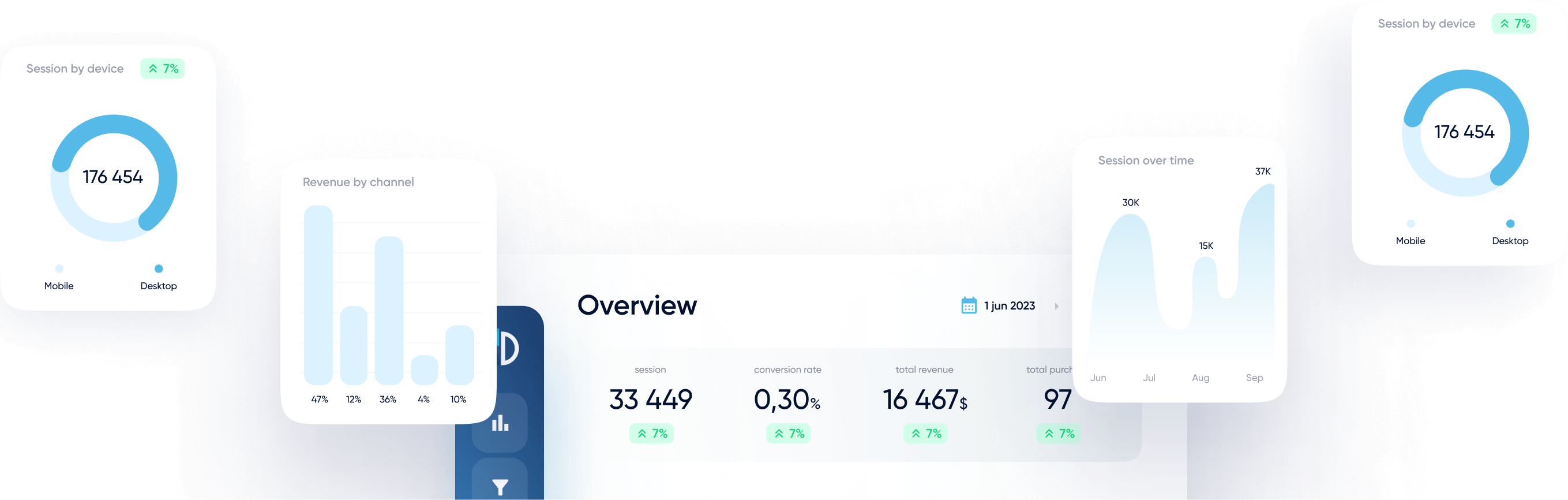
Your Looker Studio dashboard will include metrics such as:
Clicks, Impressions, CTR, Average Position
Queries and Pages performance
Device and Country breakdown
Date-based trend analysis
How to Edit the Data Source Configuration
Open your Looker Studio report
Go to Resource → Manage added data sources
Edit the Bing Webmaster Tools connector
Adjust selected metrics or dimensions
Click Reconnect and confirm changes
Finalize the Changes
After making your selections, click Reconnect
When prompted, confirm by clicking Apply
Your dashboard will now reflect your new configuration.
This optional step gives you full control over what you analyze in Looker Studio, making the Data Bloo + Bing Webmaster Tools integration even more powerful for client reporting and performance testing.
Troubleshooting
Issue
Solution
Data not showing in Looker Studio
Ensure your Bing account is authorized and the website is verified in Bing Webmaster Tools. Reconnect the data source if needed.
Website not visible in selection
Confirm that the website is verified in your Bing Webmaster Tools account with the same login used during authentication.
Authentication popup blocked
Disable pop-up blockers or try using Chrome while logged into the correct Google account.
Bad Request error 400
Return to the Looker Studio homepage and ensure the same Google account is used in both Chrome and Looker Studio.
Data is delayed or missing for recent dates
Bing Webmaster Tools may have a reporting delay of up to 48 hours. Try adjusting the date range to exclude today and yesterday, then refresh or reconnect the data source in Looker Studio.
Notes
Data security: Data Bloo does not store your Bing Webmaster Tools data. All access is read-only and securely pulled via Bing’s API.
Multiple Pages Reporting: This connector allows you to aggregate data from multiple websites for reporting.
Why connect Bing Webmaster Tools to Looker Studio with Data Bloo?
Improve your SEO analytics effortlessly with our fast, and reliable Looker Studio Connector, supporting multiple websites accounts.
01
Free Plan Available
Start for free with 1 account per connector and up to 300 daily refreshes (API calls). Perfect for testing, small accounts, and building your first dashboards.
02
Ready to Use Template
Jump straight into insights with prebuilt SEO dashboards designed for clarity.
03
Fast, Reliable Connection
Stable API integration ensures accurate and consistent data refreshes.
04
Multiple Accounts
Analyze multiple properties from a single Bing account with ease.
FAQ
You cannot find your question? Feel free to contact us
Sign in to Data Bloo, connect your Bing account, authorize the connector in Looker Studio, and start reporting instantly.
Yes, the connector includes a Free plan that allows you to connect 1 account per connector with up to 300 daily refreshes (API calls). You can upgrade anytime to connect multiple accounts and increase refresh limits.
If the daily refresh limit is reached, the connector will temporarily pause additional refresh requests until the next day. Upgrading to a paid plan increases the refresh limits.
Data refresh depends on Bing API limits and Looker Studio refresh settings.
Yes, you can connect and report on multiple verified websites.