




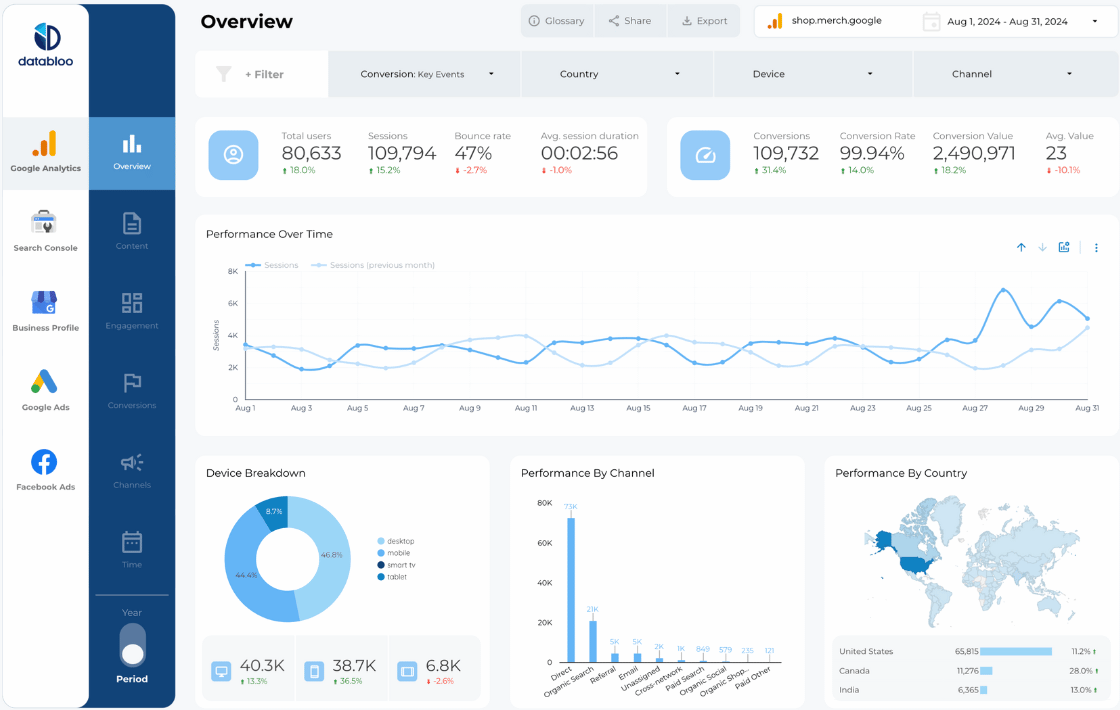




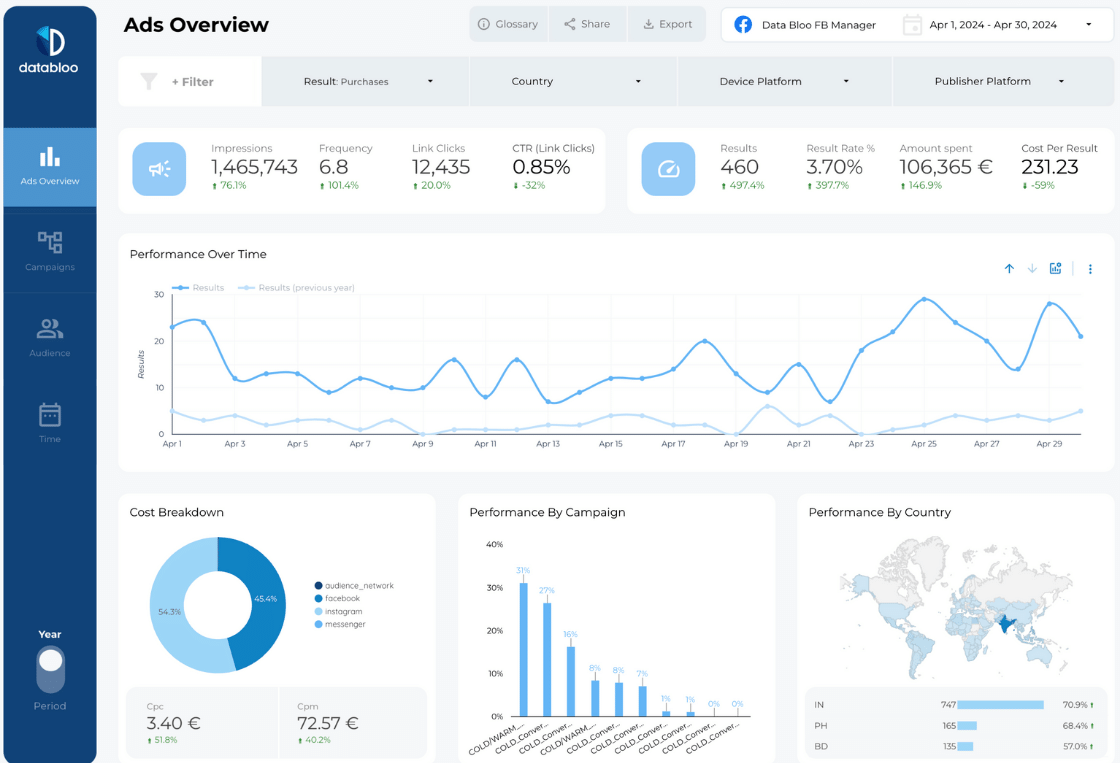
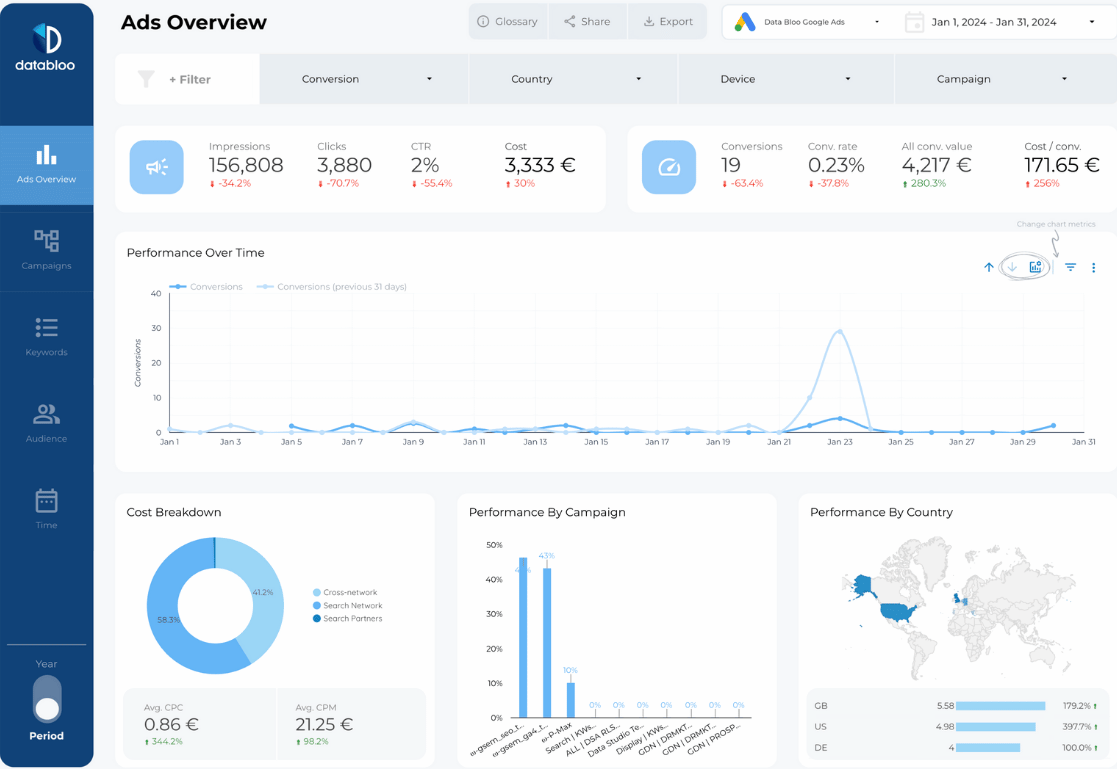
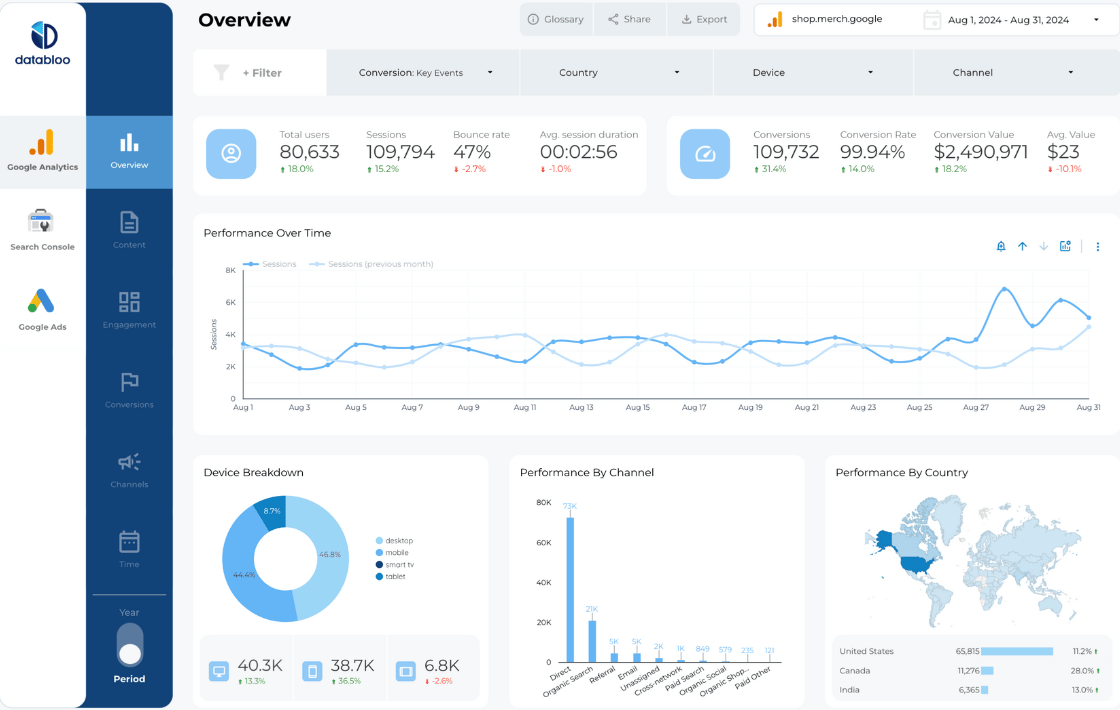

Elevate Your PPC Reporting With Ready-Made Data Studio Templates
Our collection of PPC report templates is designed to help marketers, agencies, and performance teams streamline their reporting workflow. Instead of spending hours exporting spreadsheets, you can use a PPC reporting template to automatically visualize your advertising performance across Google Ads, Meta Ads, Bing Ads, and more.
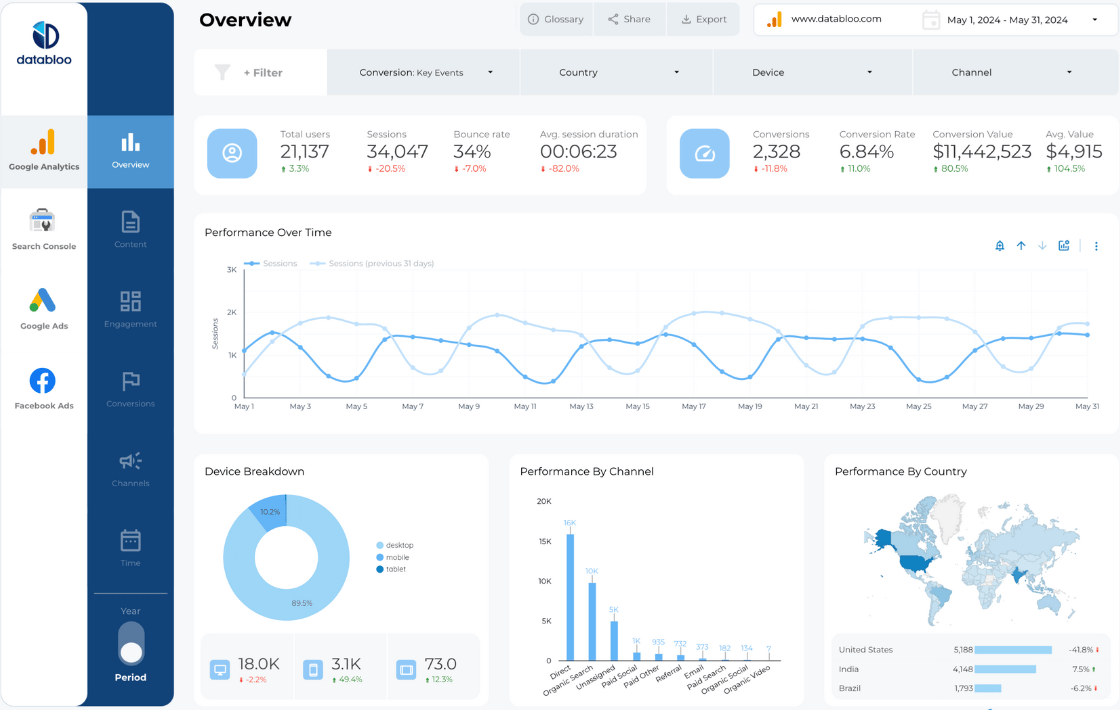
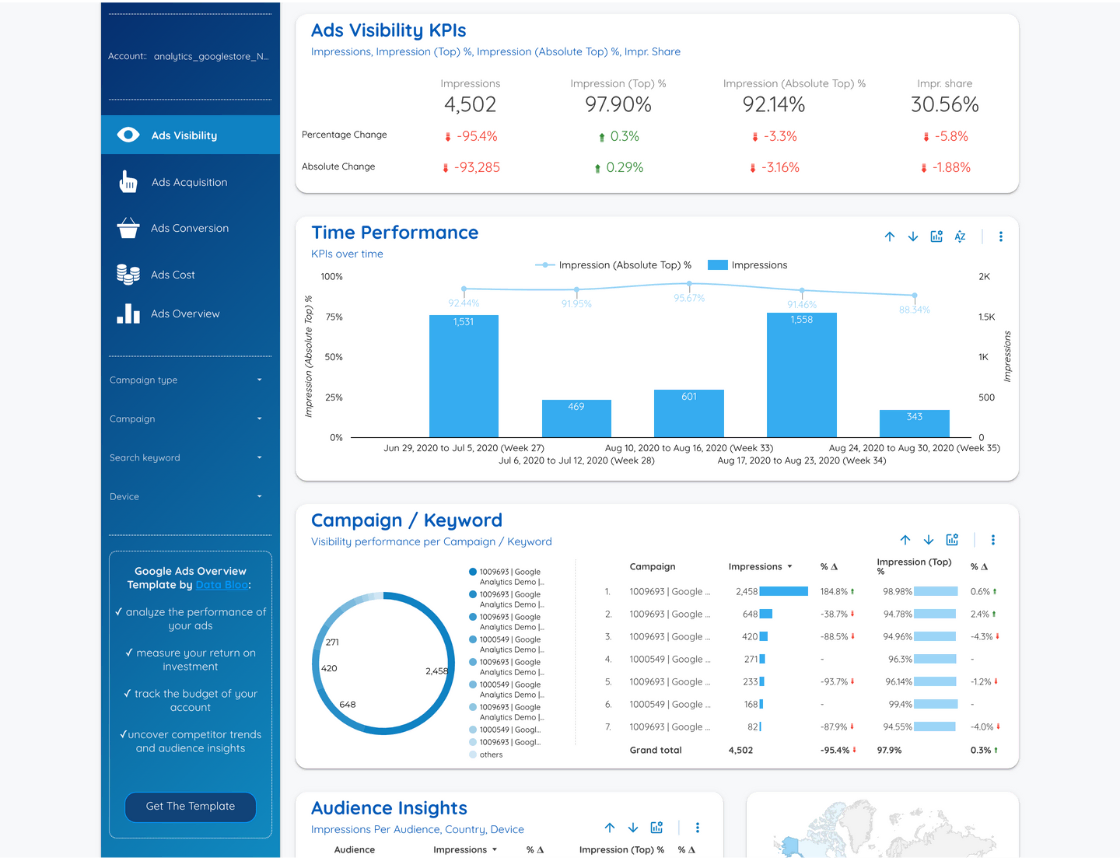
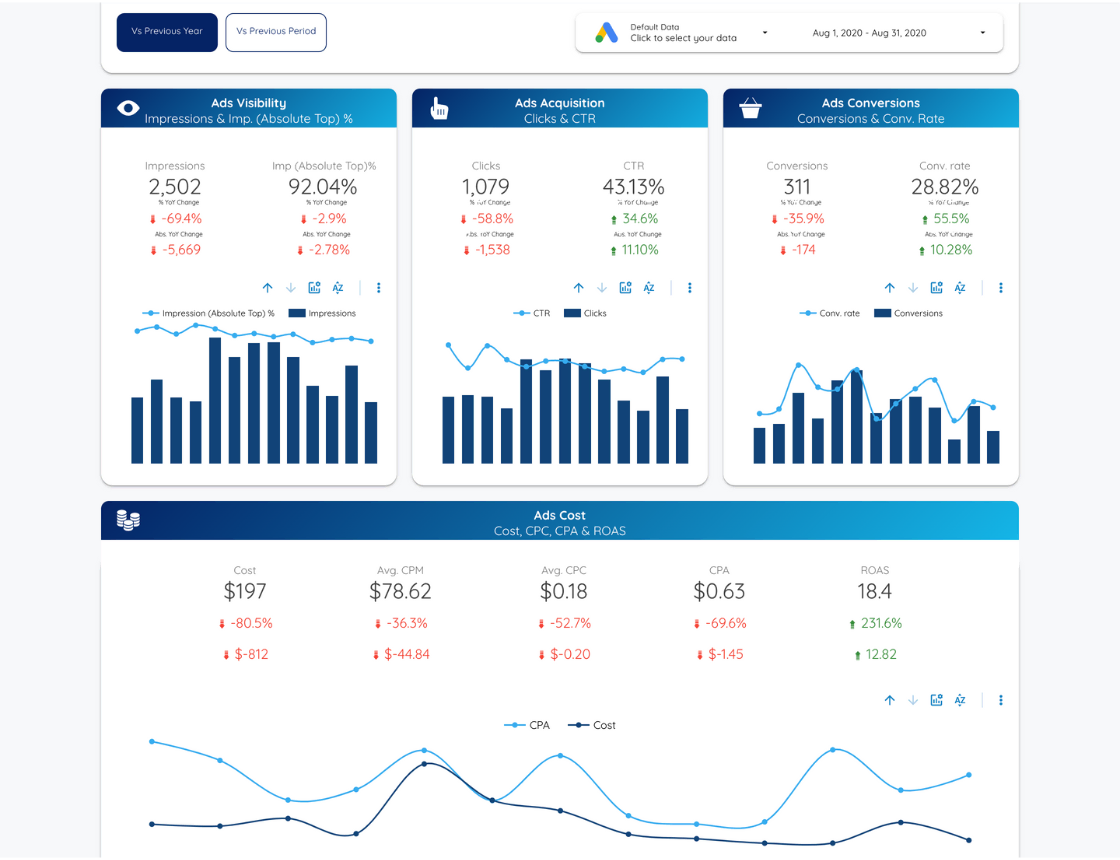
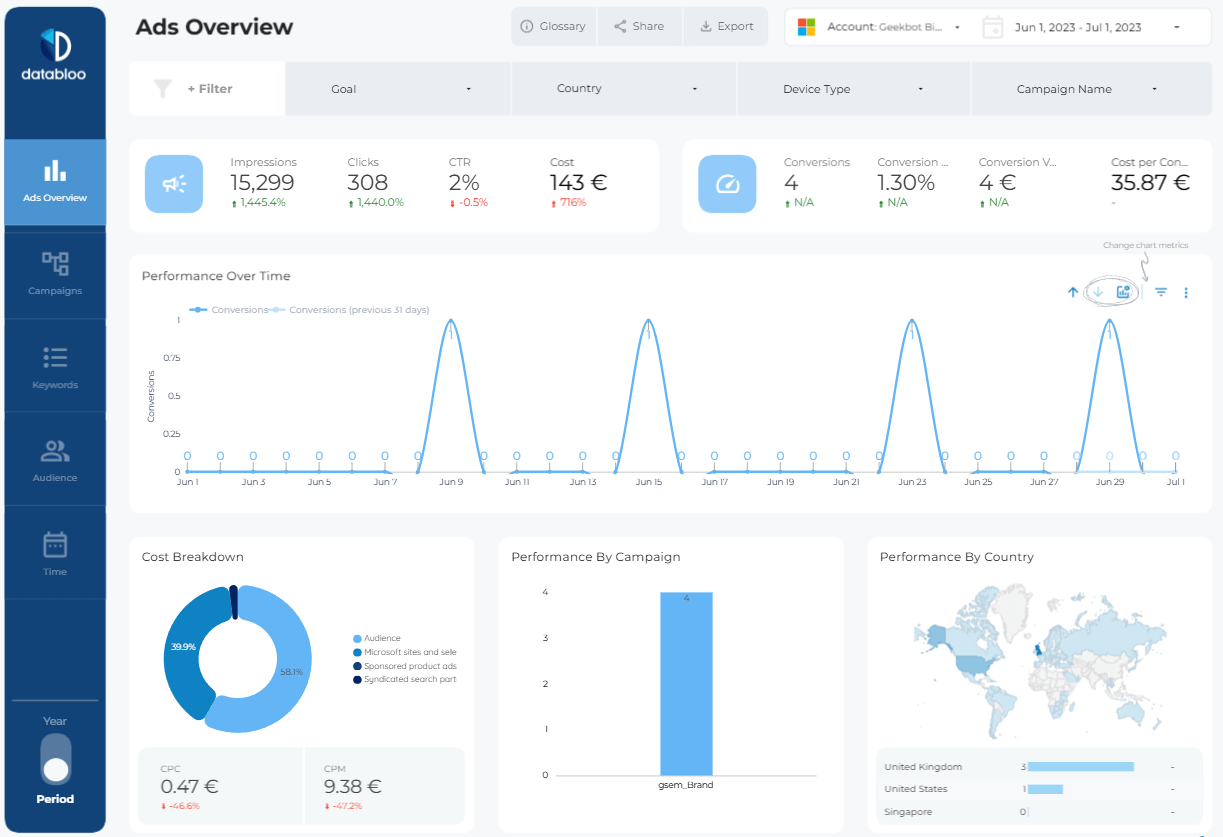
Each template gives you a complete view of your campaigns, including ad spend, conversions, ROAS, audience insights, and performance trends. Whether you manage one account or multiple brands, our dashboards make it simple to track results and present clear, client-ready insights.
What Is a PPC Report Template?
A PPC report template is a structured, automated way to track all your paid advertising performance across platforms like Google Ads, Meta Ads, TikTok Ads, LinkedIn Ads, and more. Instead of manually exporting data, a PPC template pulls fresh insights into Data Studio so you can understand what’s working, where to optimize, and how your campaigns are performing in real time.
A great PPC reporting template helps marketers, agencies, and teams quickly analyze ad spend, conversions, ROI, and audience engagement — all in one easy-to-read dashboard. It removes the complexity of scattered spreadsheets and transforms your pay-per-click data into a clear performance narrative your clients or stakeholders can instantly understand.
Using a PPC report template also ensures consistency across weekly, monthly, or quarterly reporting, making it easier to monitor trends and optimize campaigns with confidence.
Why Use a PPC Report Template?
Using a PPC report template helps you:
- Track key metrics such as impressions, clicks, CPC, CPA, and ROAS
- Compare performance across campaigns, ad groups, devices, and audiences
- Improve your optimization decisions with real-time insights
- Standardize reporting across your marketing team or client portfolio
- Save time and reduce manual reporting errors
With PPC reporting templates, complex data becomes easy to understand and actionable — all inside Data Studio.
What’s Included in Our PPC Reporting Templates?
Each template includes a curated set of KPIs and visualizations to help you make better decisions:
- Performance overview (spend, clicks, CTR, conversions, ROAS)
- Campaign and ad group breakdowns
- Device & location performance
- Conversion insights and funnel metrics
- Audience engagement & segment performance
- Creative-level results (where supported)
These dashboards are customizable, allowing you to tailor the report to your brand or clients’ needs.
Designed for Marketers, Agencies & Brands
Whether you’re managing PPC campaigns in-house or delivering monthly client reports, our PPC report templates help you stay organized, consistent, and data-driven. Each Data Studio dashboard is optimized for clarity, speed, and scalability — perfect for businesses of any size.
FAQs
A PPC report template is a prebuilt Data Studio dashboard that visualizes your paid advertising performance. It helps you monitor spend, clicks, conversions, ROAS, and audience insights across your PPC channels.
Simply open the template, connect your advertising accounts through our connectors, and the dashboard will populate with your real campaign data.
Yes. You can modify charts, colors, metrics, and filters to match your brand or reporting style.
Our templates support Google Ads, Meta Ads, Bing Ads, LinkedIn Ads, and more — depending on the report you choose.
Absolutely. Agencies can use these dashboards to standardize client reporting, improve transparency, and save hours of manual work each month.
Yes. You can connect and report on multiple accounts within a single dashboard, making them ideal for multi-brand or multi-client setups.