Table of Contents
Whether you’re managing Google Ads, Meta Ads, Bing Ads, or multi-channel campaigns, having a clear and reliable PPC report is essential. A well-structured PPC reporting template helps you monitor spend, track conversions, visualize performance trends, and understand what’s truly driving results — all without the manual effort.
In this article, we’ll explore 5 PPC reporting examples built for Looker Studio. Each example is a real, ready-to-use report designed to help you save time, improve analysis, and present insights with confidence. You can preview the layout, metrics, and features — and start using them instantly.
1) Google Ads PPC Reporting Example
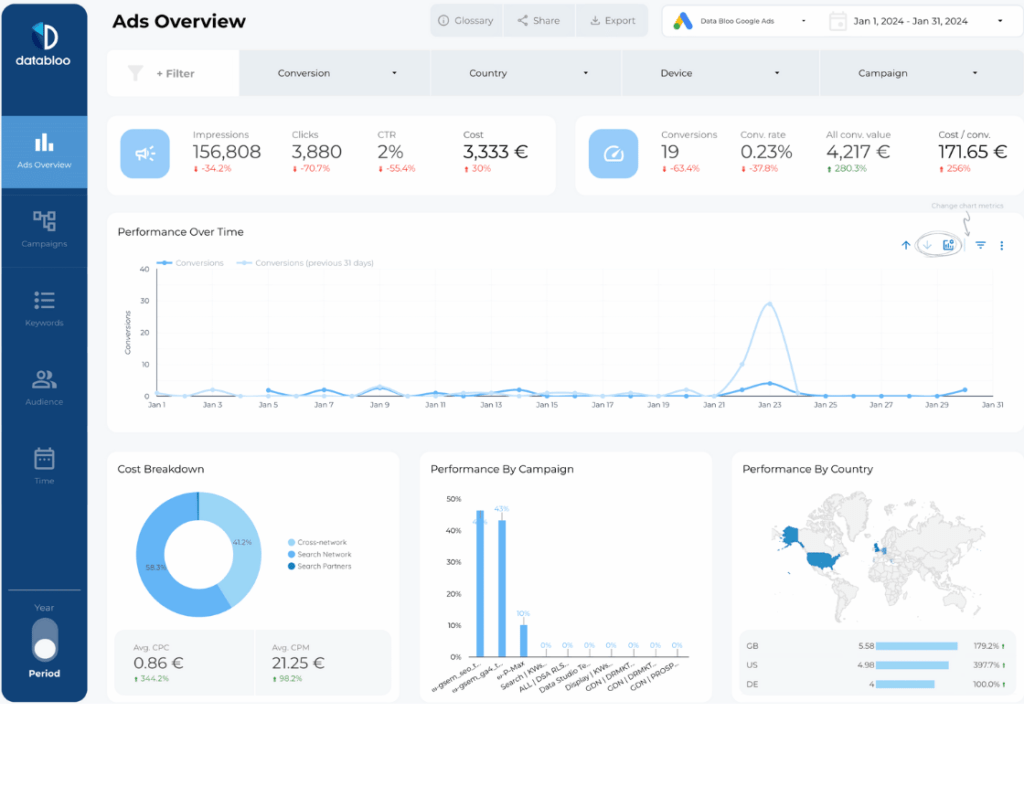
Source: Google Ads
Setup: Easy – Native Connector for Google Ads
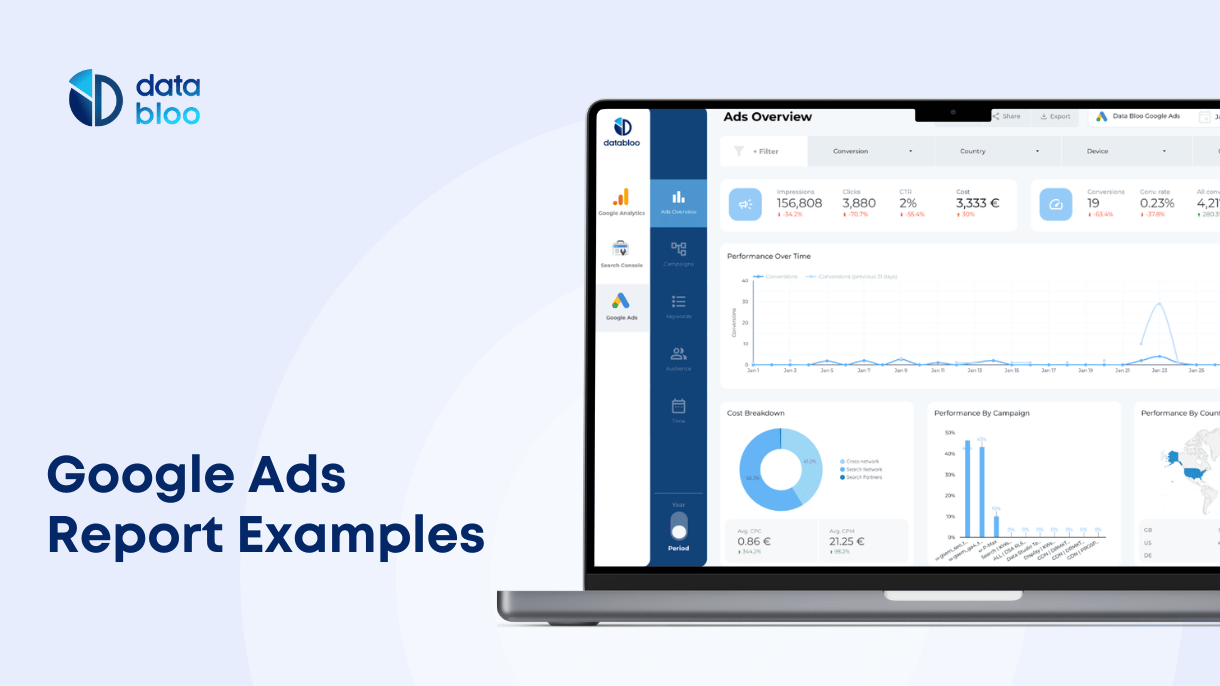
The Google Ads Looker Studio template gives you a complete view of your paid search and display performance inside a clean, intuitive layout.
Key Features
- Spend, clicks, CPC, CPA, conversions, and ROAS
- Performance trend charts
- Campaign-level breakdowns
- Keyword, search term, and device performance
- Audience segmentation & location insights
What You Can Do with This Report:
This PPC reporting example helps you evaluate ad performance at scale. Track which keywords drive results, identify overspending areas, compare campaigns, and optimize audience targeting — all with real-time Google Ads data.
2) Facebook Ads (Meta) PPC Reporting Example
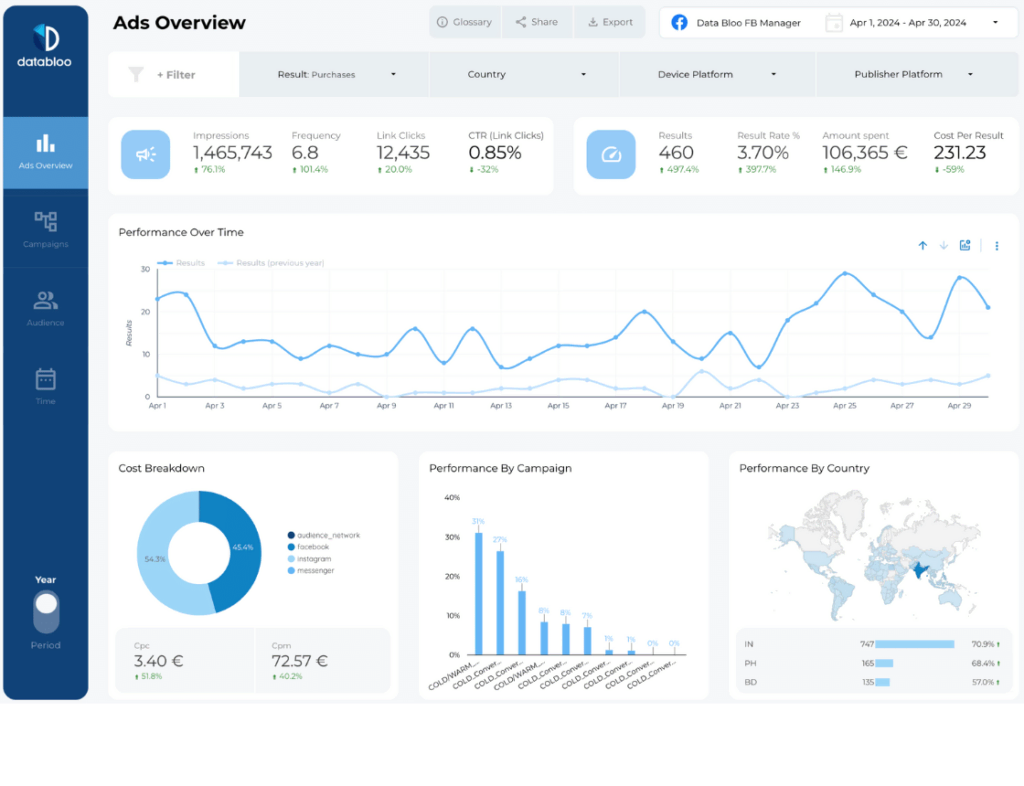
Source: Meta (Facebook & Instagram Ads)
Setup: Easy – Data Bloo Free Connector for Meta
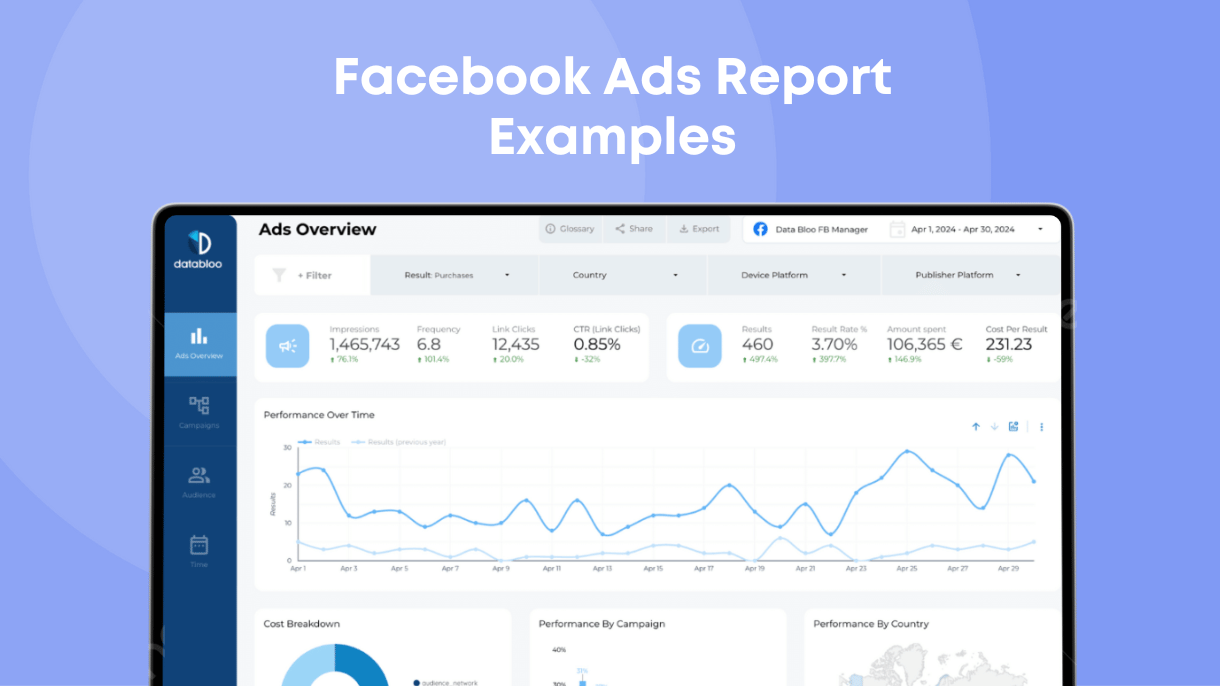
The Facebook Ads Looker Studio template consolidates your Facebook and Instagram ads into a unified PPC performance report.
Key Features
- Campaign and ad set performance
- Cost per result & conversion metrics
- Demographic insights (age, gender, location)
- Platform performance breakdown (Facebook vs. Instagram)
- Trend analysis for spend, impressions, CTR, and conversions
What You Can Do with This Report:
This PPC reporting example helps you measure paid social ROI. Compare creative performance, identify high-value audiences, and uncover patterns in engagement and cost efficiency to maximize your results.
3) Bing Ads PPC Reporting Example
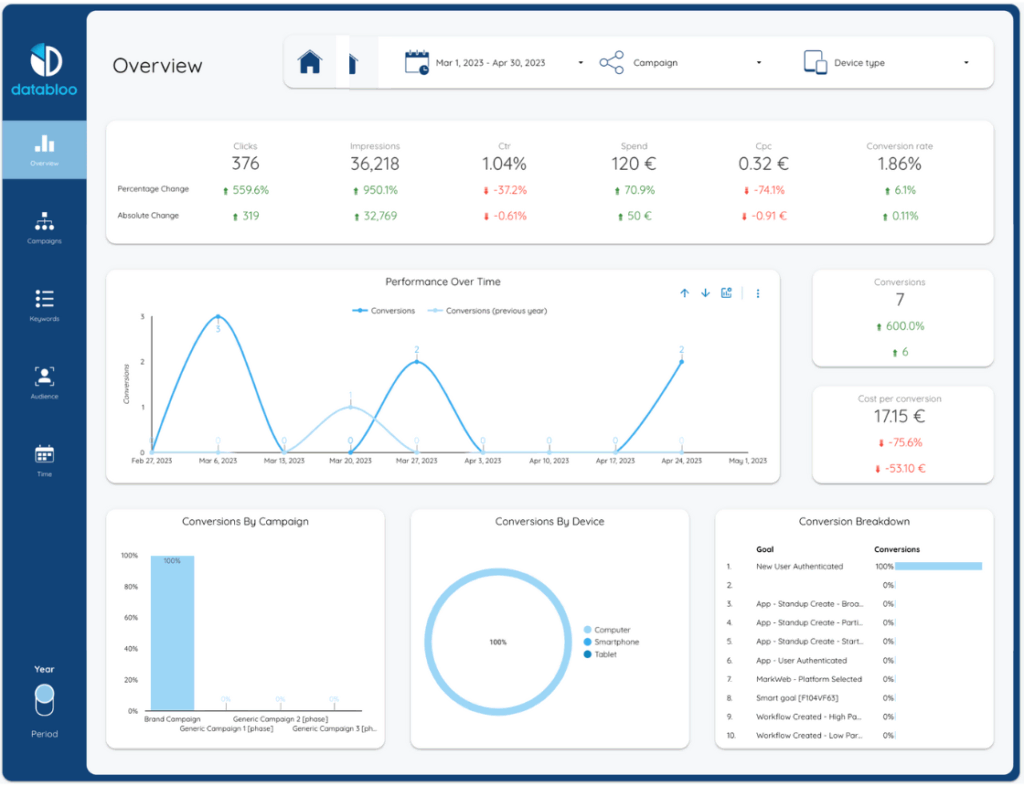
Source: Microsoft Ads
Setup: Medium – 3rd Party Connector
The Bing Ads Looker Studio template provides a detailed view of your Microsoft Ads campaigns — ideal for marketers managing search traffic across multiple networks.
Key Features
- Search and audience performance KPIs
- Campaign & keyword breakdowns
- Regional performance insights
- Spend pacing & performance trends
What You Can Do with This Report:
Use this PPC reporting example to evaluate how Bing Ads contributes to your overall paid search strategy. Identify cost-effective search terms, uncover new audience opportunities, and analyze performance differences between Google and Bing.
4) GA4 PPC Performance Reporting Example
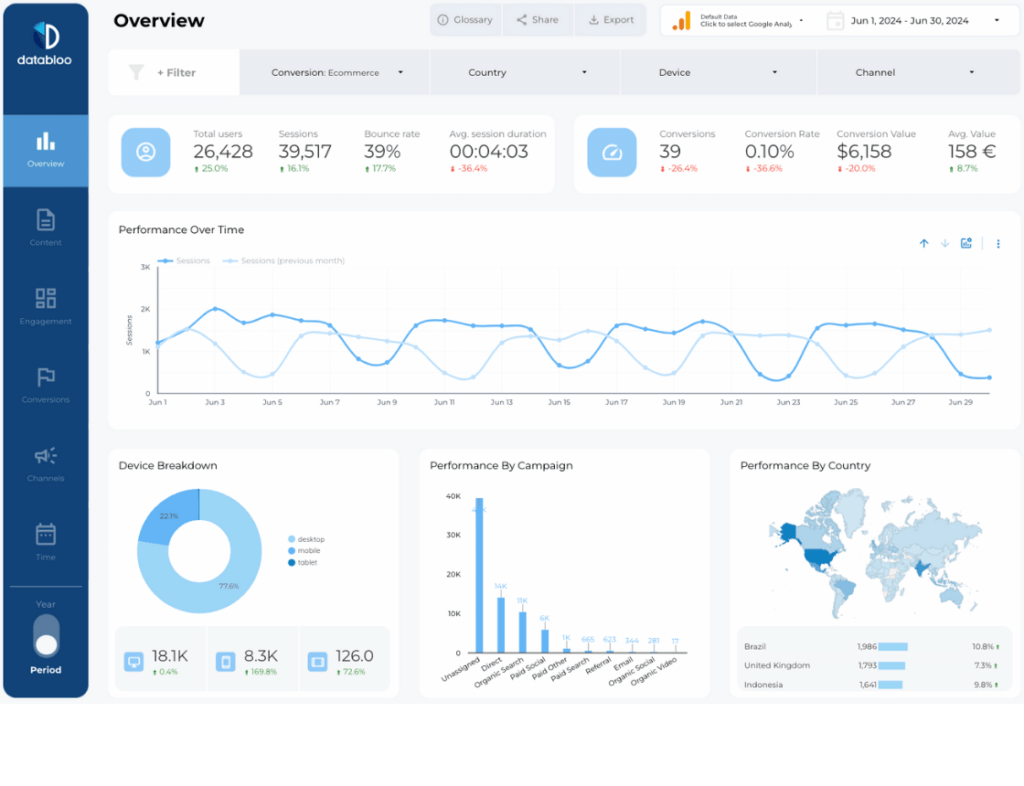
Source: Google Analytics 4
Setup: Easy – Native Connector for GA4
While GA4 is not a PPC platform, its traffic acquisition and conversion metrics make it essential for cross-channel performance reporting.
The GA4 Looker Studio template acts as a multi-source performance layer for PPC campaigns, helping you understand what happens after the click.
Key Features
- Conversions by source/medium
- Session quality and user engagement
- Funnel metrics: landing page behavior, scrolls, time on site
- Attribution insights to evaluate PPC impact
What You Can Do with This Report:
This PPC reporting example helps you evaluate the true effectiveness of your ads — not just clicks. Understand which PPC channels drive the most engaged traffic, compare landing page behavior, and uncover opportunities to improve conversion paths.
5) All-in-One Custom PPC Reporting Example
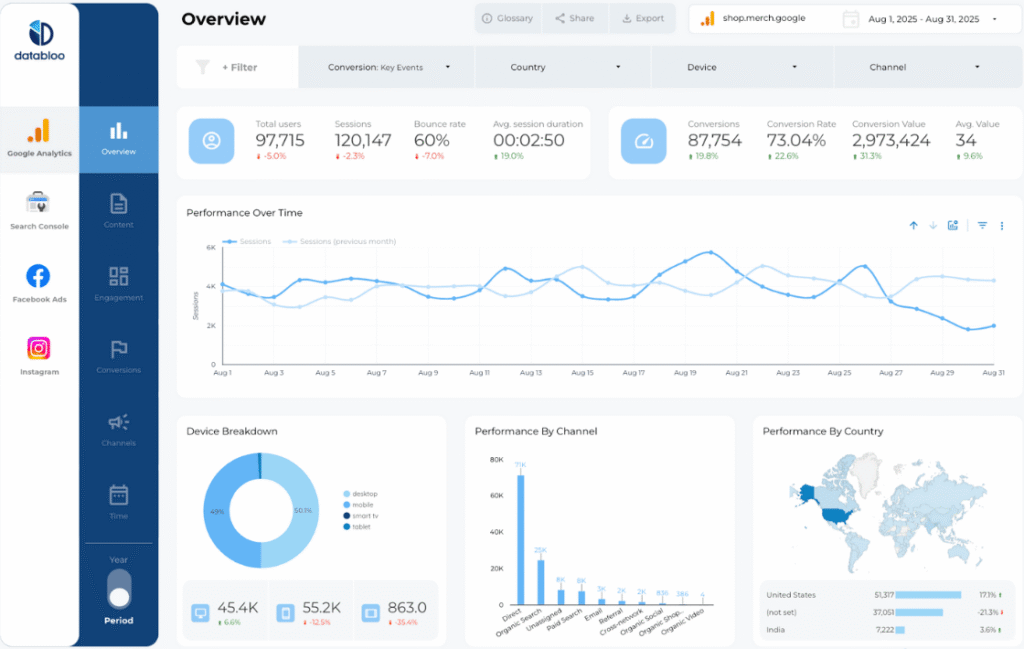
Source: Multiple Sources (GA4, GSC, Ads, Social, Ecommerce)
Setup: Easy – Combine Your Own Data Sources
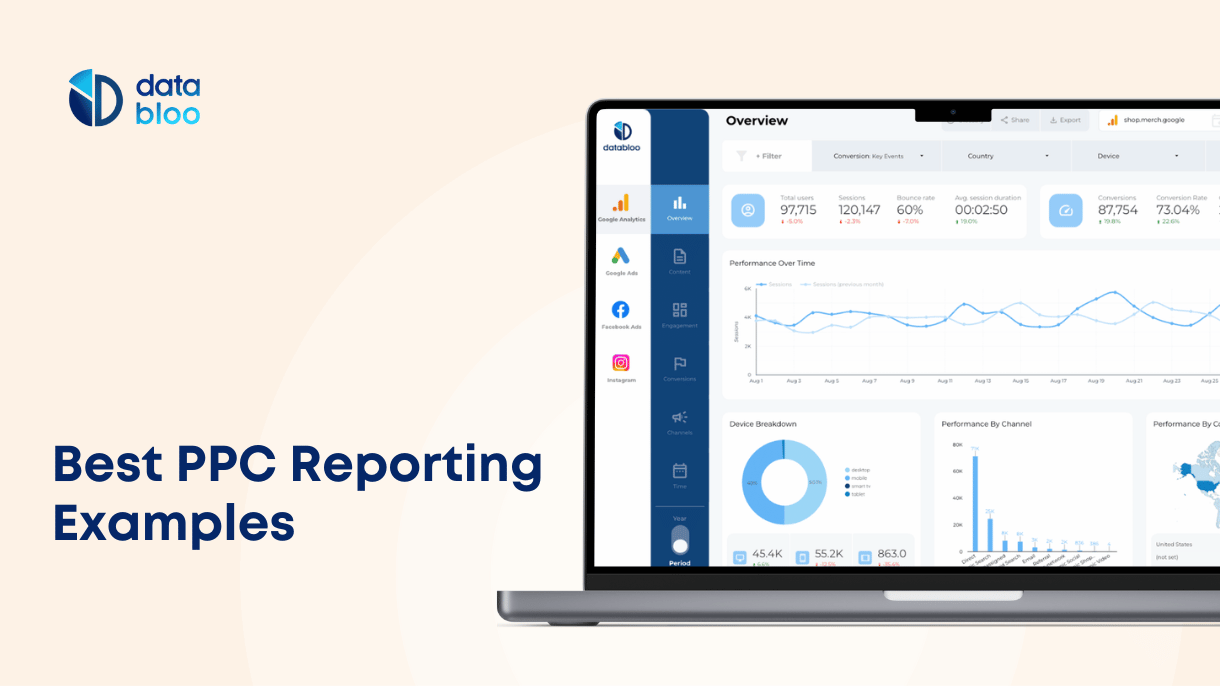
The Custom Master Template brings all your PPC channels together — Google Ads, Meta Ads, GA4, and more — into one multi-channel reporting system.
Key Features
- Combined KPIs across search, social, and analytics
- Cross-channel performance comparison
- ROI and spend efficiency dashboards
- Fully customizable sections & white-label branding
- One-click sharing and unified navigation bar
What You Can Do with This Report:
This example is ideal for agencies or performance teams managing multiple ad platforms. See the full picture across all PPC efforts, align spend with results, and uncover exactly which campaigns contribute to growth across your marketing mix.
Build Your Own PPC Report in Looker Studio
These PPC reporting examples show what’s possible when clean design meets accurate data. Whether you’re optimizing Google Ads, scaling paid social, or managing multi-channel campaigns, Looker Studio offers complete flexibility.
If you’re looking for ready-made dashboards instead of building reports from scratch, you can explore our SEM report templates designed for Google Ads, Bing Ads, and more.