







What Is a Google Ads Report Template?
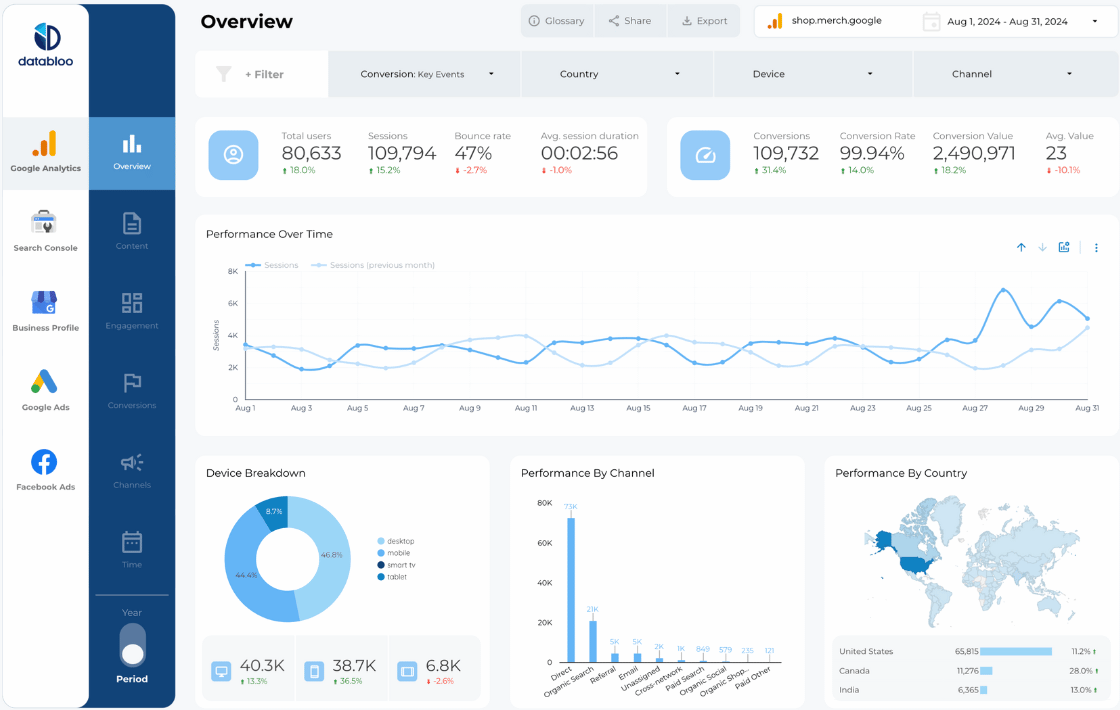
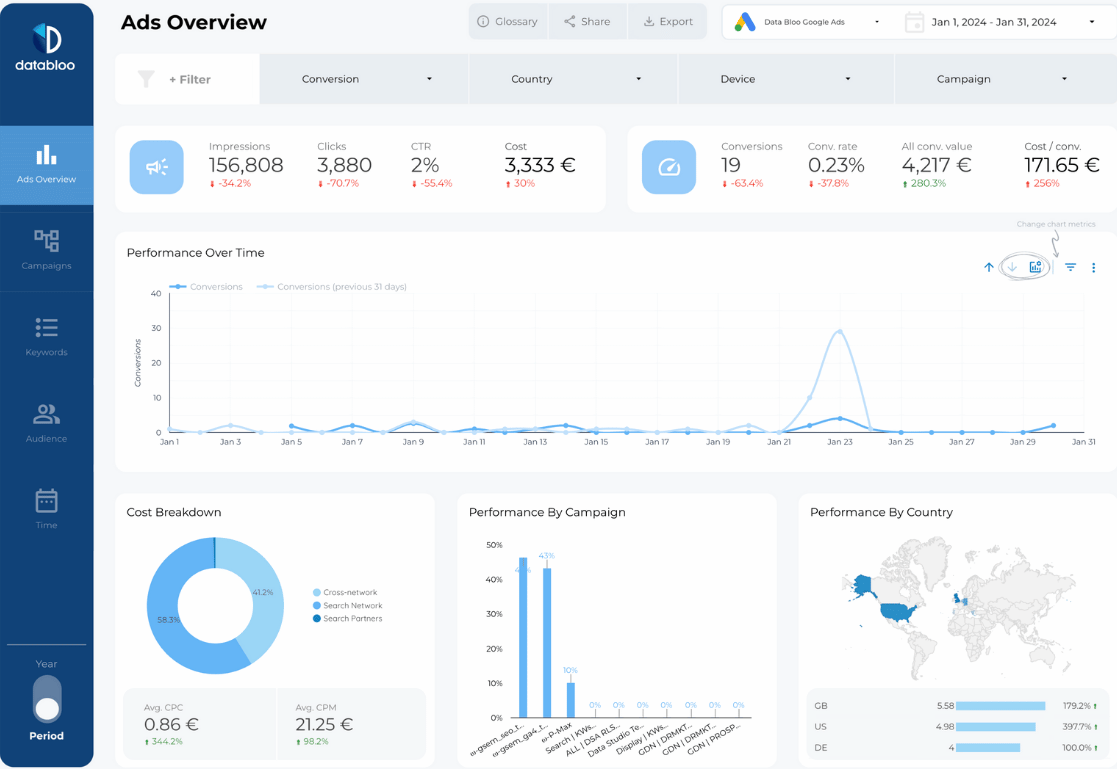
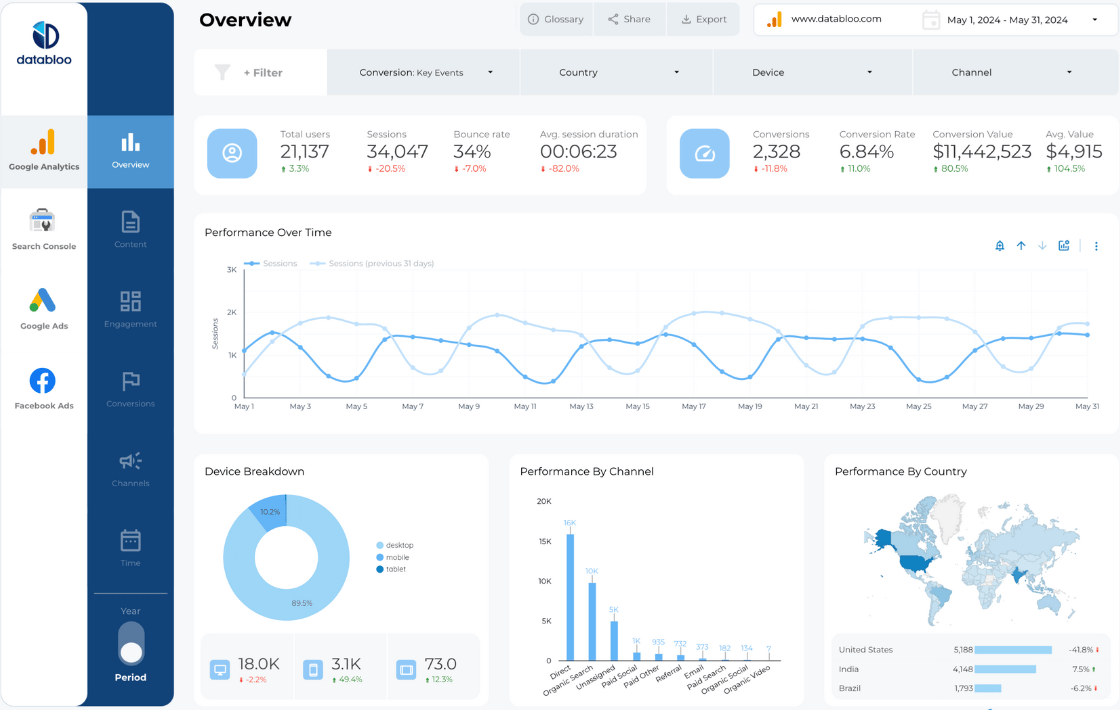
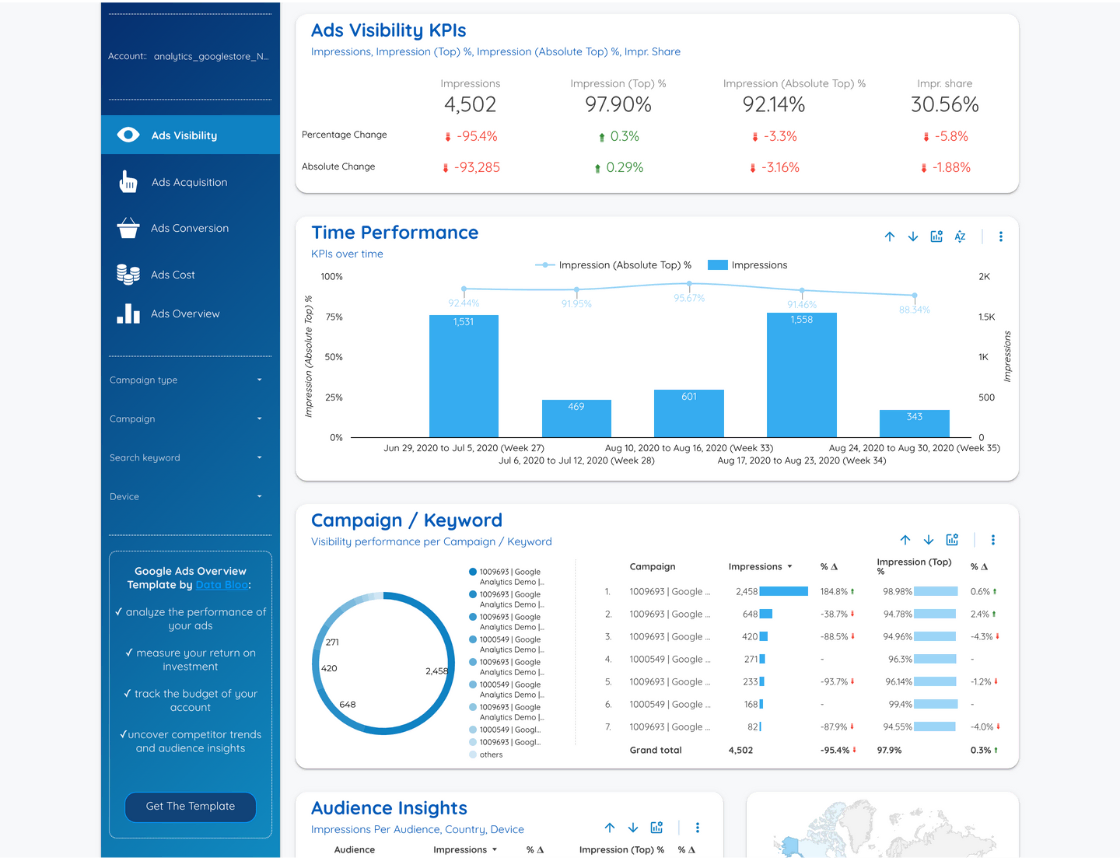
A Google Ads report template is a pre-built Data Studio dashboard that visualizes advertising data from Google Ads in a structured, easy-to-understand format.
Instead of navigating Ads Manager or exporting spreadsheets, these templates allow you to track campaign performance, costs, conversions, and ROI in one clear reporting view — updated automatically.
Why Use a Google Ads Performance Report Template?
Using a Google Ads performance report template helps you:
- Monitor spend, clicks, and impressions in real time
- Track conversions, cost per conversion, and ROAS
- Compare campaign, ad group, and keyword performance
- Identify wasted spend and optimization opportunities
- Share clear reports with clients or stakeholders
- Eliminate manual exports and reporting errors
Automated dashboards make paid search reporting faster, clearer, and more scalable.
What’s Included in Our Google Ads Report Templates?
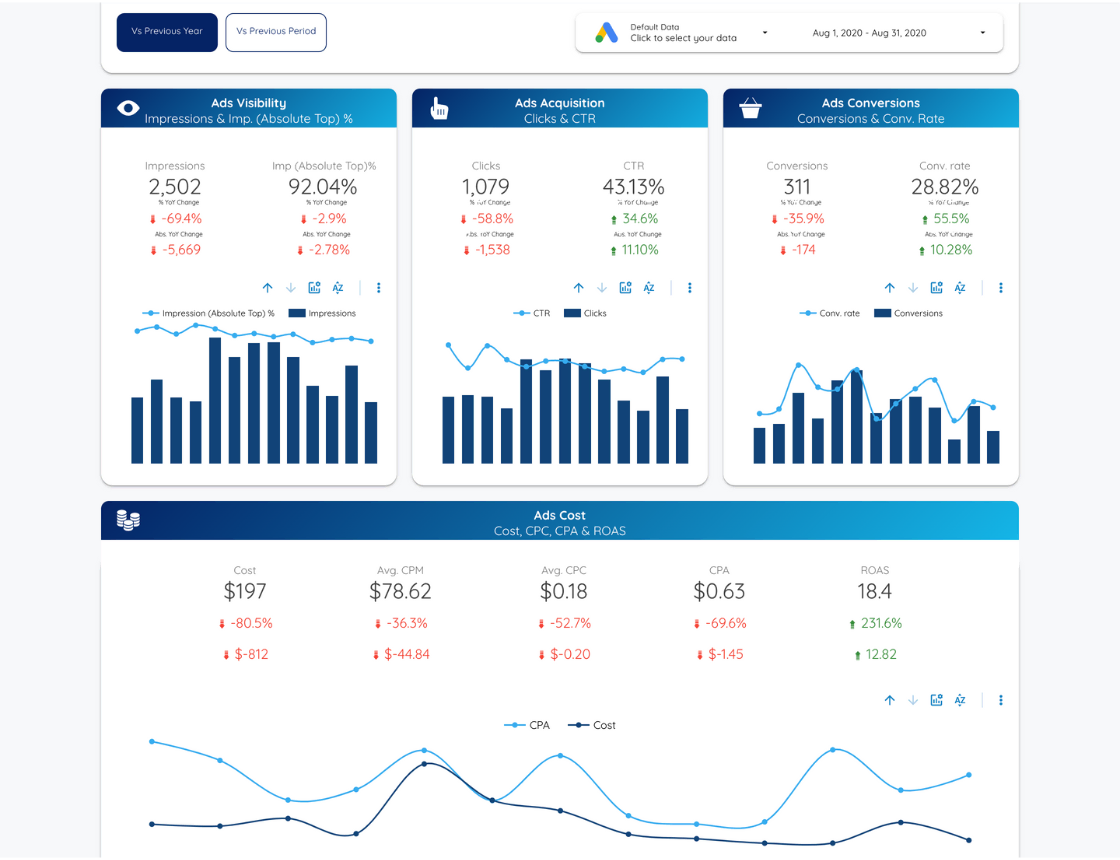
Each Google Ads report template includes a carefully selected set of metrics and visualizations, such as:
- Spend, impressions, clicks, and CTR
- Campaign, ad group, and keyword performance
- Conversion and ROAS tracking
- Cost per click and cost per conversion
- Performance trends over time
- Device, location, and audience segmentation
- Period-over-period comparisons
All templates are fully customizable to match your reporting needs.
Designed for Marketers, Agencies & In-House Teams
These Google Ads report templates are built for:
- PPC and performance marketers
- Digital marketing agencies
- Growth and acquisition teams
- Ecommerce and lead generation businesses
Whether you manage one account or dozens, the dashboards are designed for clarity, speed, and scalability.
FAQs
A Google Ads report template is a Data Studio dashboard that visualizes paid search performance data from Google Ads in an automated and shareable format.
Yes. All of our templates can be duplicated and connected to multiple Google Ads accounts.
Yes. Conversion and ROAS tracking are supported, especially when combined with Google Analytics 4 data.
Absolutely. You can customize metrics, charts, filters, and branding directly in Data Studio.
Yes — they’re designed for agencies managing multiple Google Ads clients and recurring reporting.