



Instagram Insights Looker Studio Template

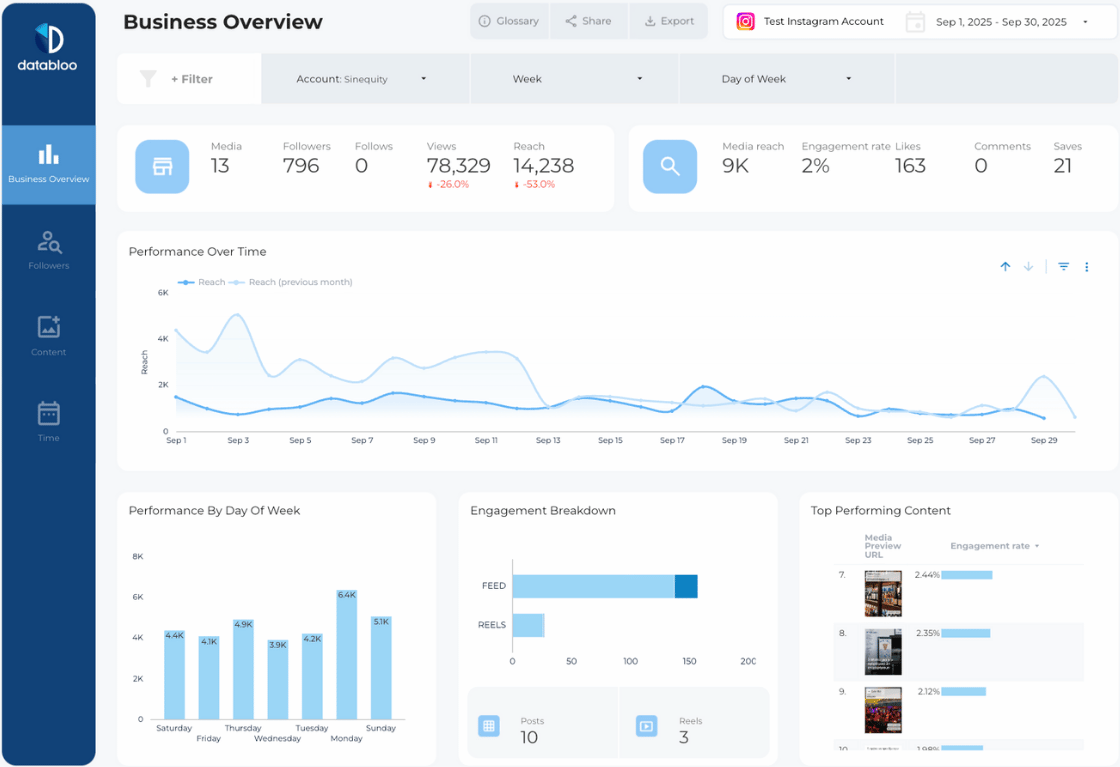
Gain a greater understanding of your Instagram account with the Instagram Insights Looker Studio Report Template. Separated into four sections, this easy-to-use template provides insights into your content engagement, followers’ actions and account performance to expand your online presence.

Testimonial

32 marketers purchased the template

149

View demo
  • Instant edit access
  • Custom logo & colors
  • Quick setup
  • Unlimited copies
  • Sharing options
  • Downloadable data
Instagram logo

Data source

Instagram Insights

Answer These Important Questions

This Instagram Insights template gives you the ability to monitor and analyze the overall performance of your business account and answer the most important questions about your Instagram presence at a glance:

  1. Am I gaining new followers on a regular basis?
  2. How many new Instagram followers did I gain this past month?
  3. What can I do to engage more people?
  4. What are some trends I can use to improve my presence?
  5. Are my followers clicking on my website?
  6. Where do my follower click (website, phone, directions)?
  7. What type of content does my audience prefer?
  8. What are my top-performing posts?
  9. How are my Insta reels performing?
  10. When is the best time of the week to post reels?

Check Your Entire Instagram Performance 

There is an incredible amount of data to analyze regarding your Instagram business account, which can be overwhelming. By breaking this information down into four key sections, Instagram Insights Data Studio Template delivers all of this information in a concise, easy-to-understand format.

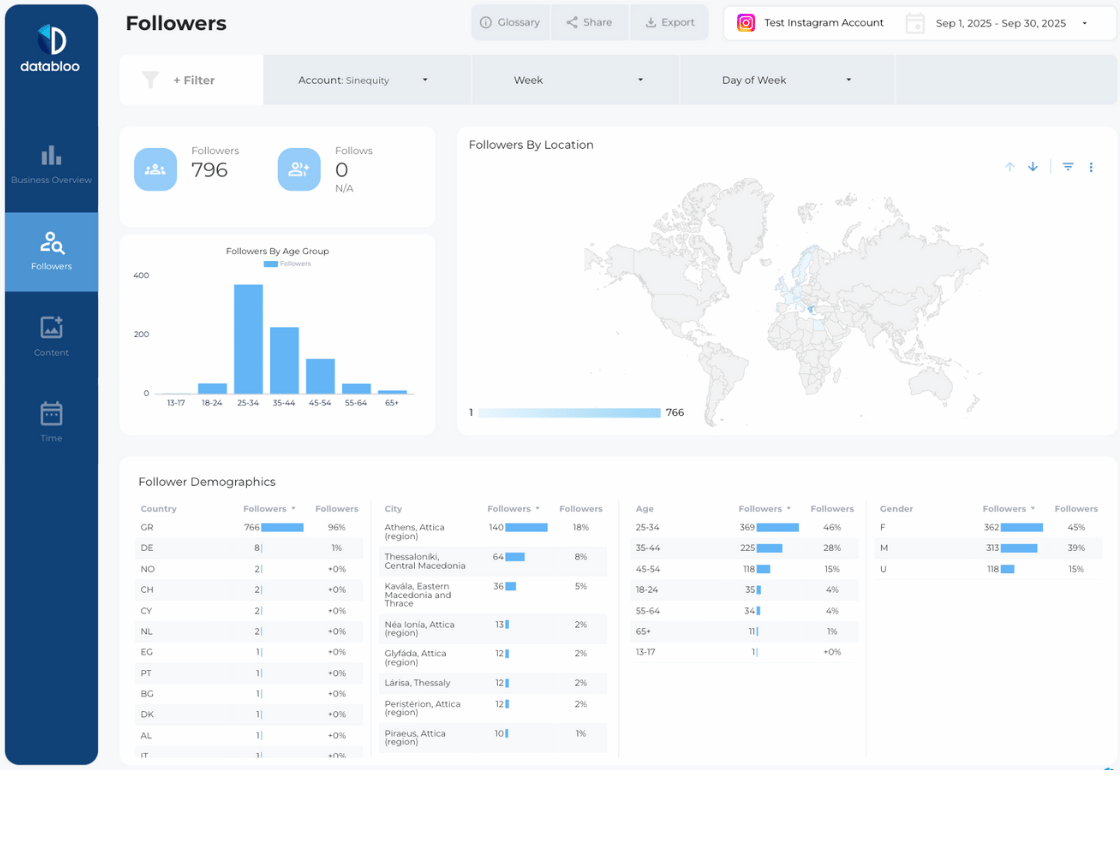
  • Overview Section to View Overall Growth: At the top of the Instagram Insights report is the Overview section which displays the overall growth of your Instagram account. Some of the main KPIs included in this section are followers, profile reach, impressions, website clicks, views by day of the week, likes by media type, and top-performing posts.
  • Actions Section to Analyze Followers: In the Actions section, key actions made by your Instagram followers are analyzed to provide insight into how much followers interact with your business. Analyzed actions include call clicks, website clicks, map direction clicks, and followers’ actions over time.
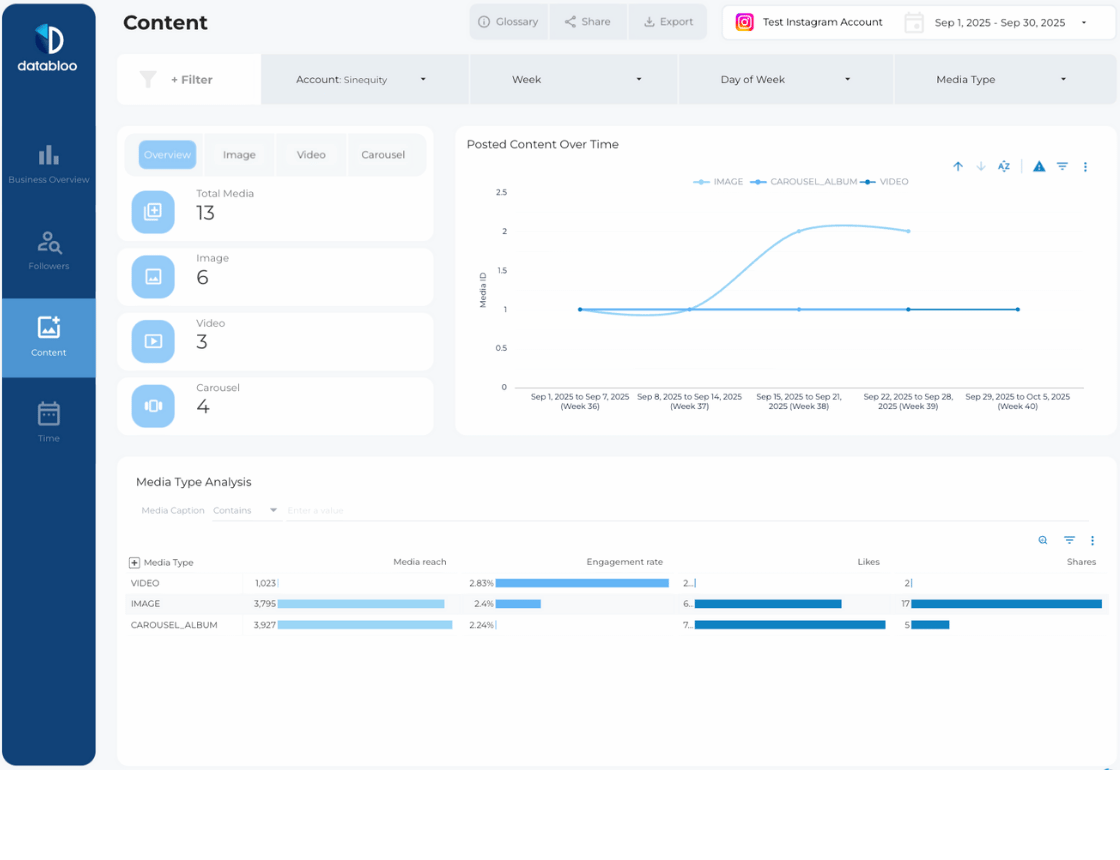
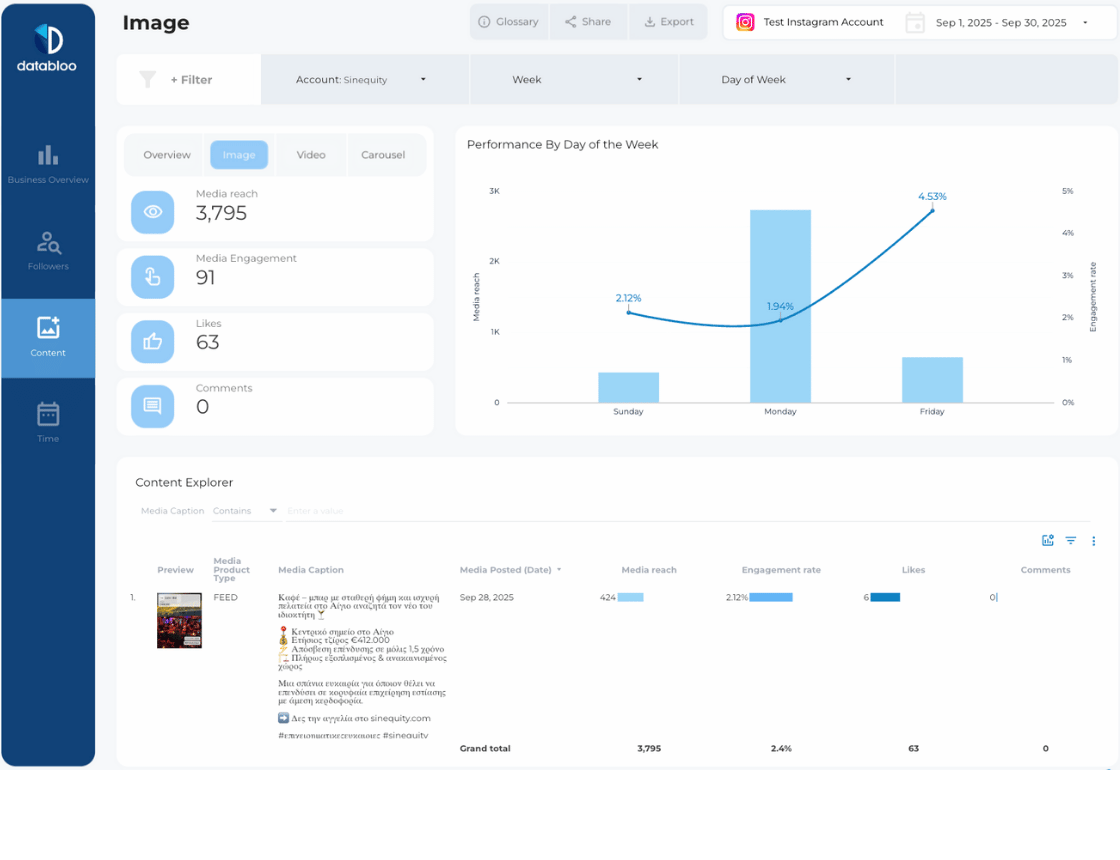
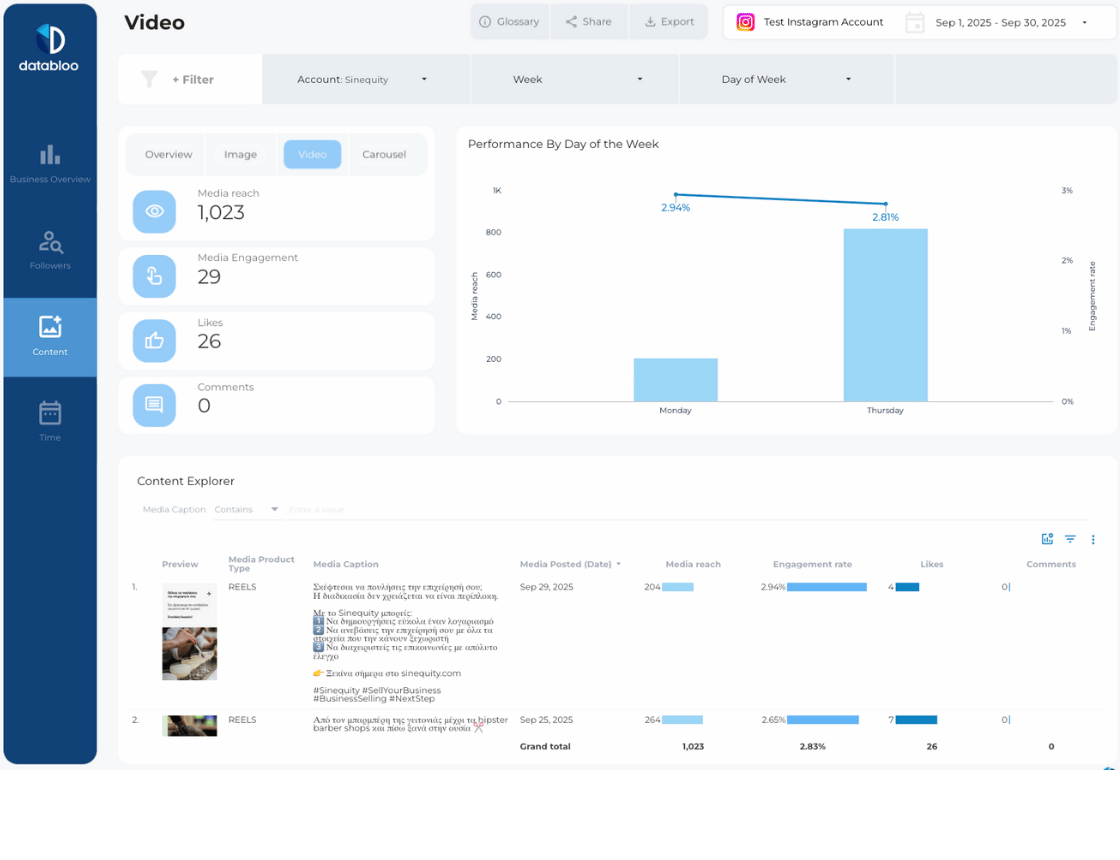
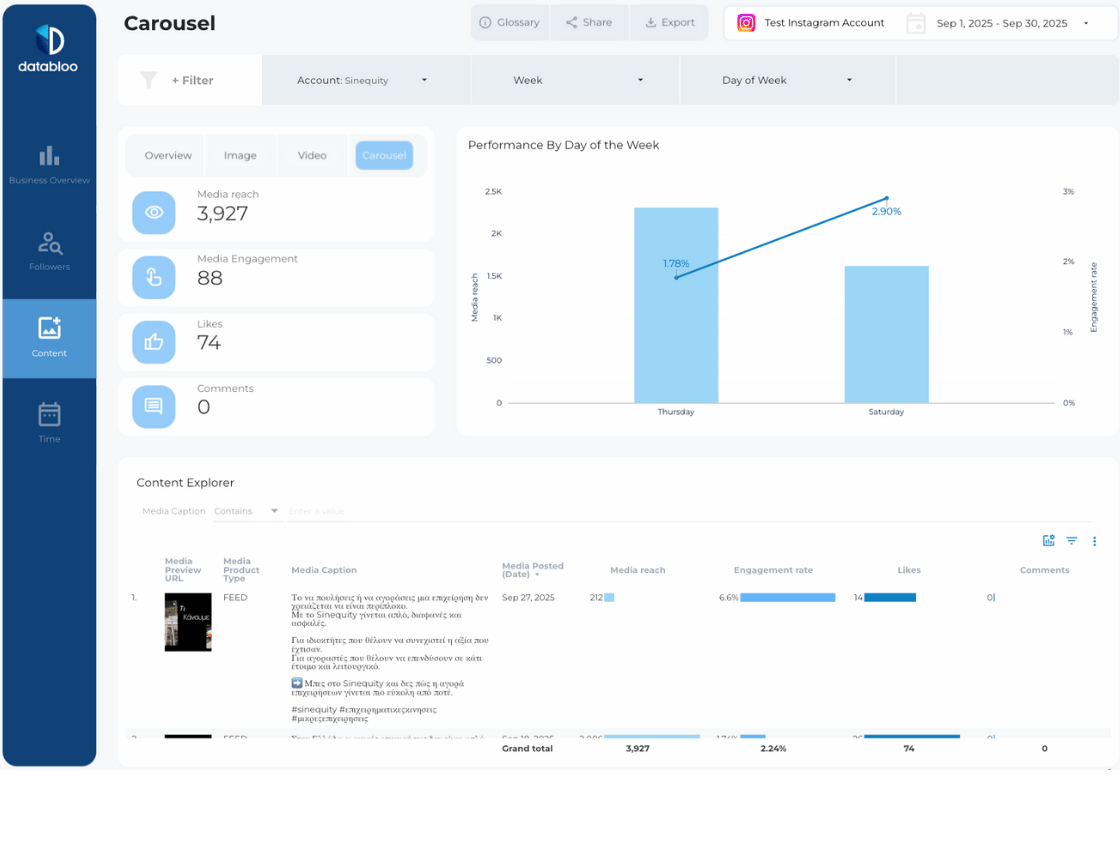
  • Posts Section to Understand Content Engagement: To maximize the potential of your Instagram account, you need to understand how your posts, reels and stories are performing. This section shows you engagement such as the number of likes and impressions that your content gets, the performance breakdown by media type (image, video, etc.), and the media engagement of each post. Also there are separate tabs for each media product type (Posts, Reels, Stories), so you can easily drill down and identify the top performing content.
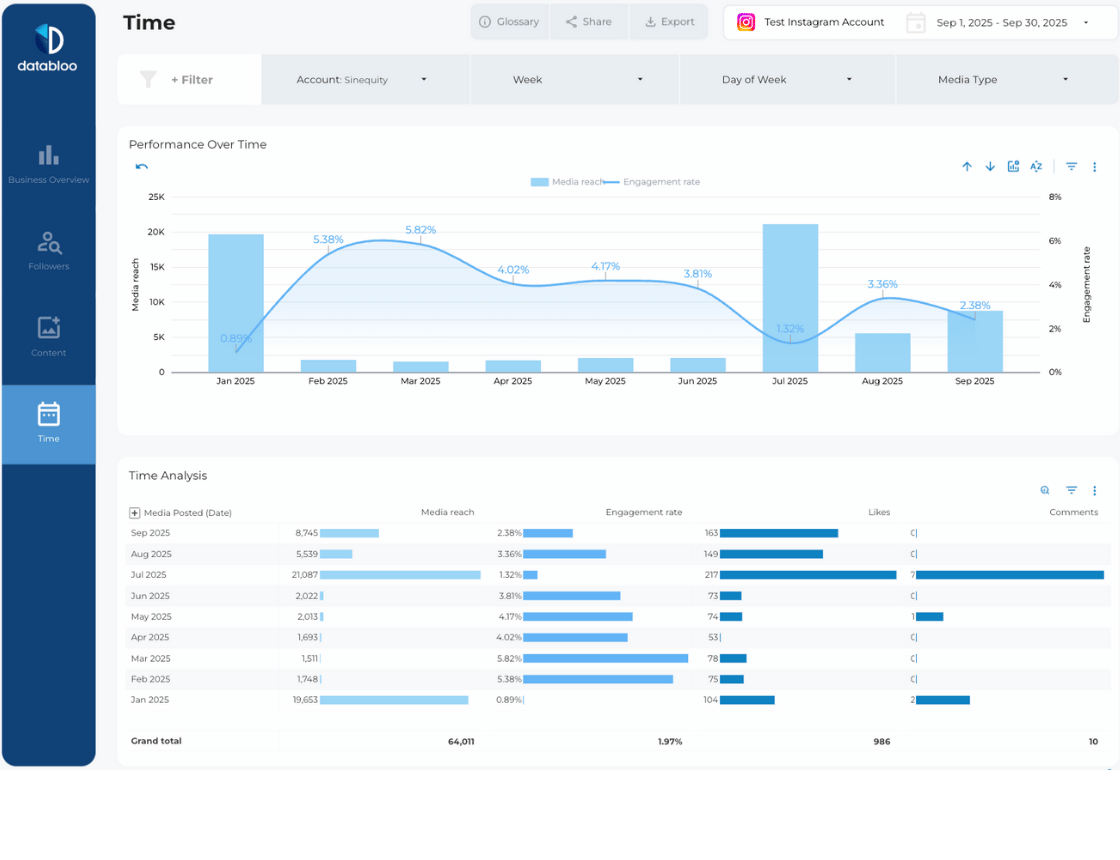
  • Time Section to Detail Performance Over Time: The fourth part of the template is a Time section that details your Instagram account’s performance over various time periods. You can view your account’s performance monthly, weekly, and daily. This information helps to identify trends so you can make data-driven decisions to improve your business presence.

Practical Visuals and Charts

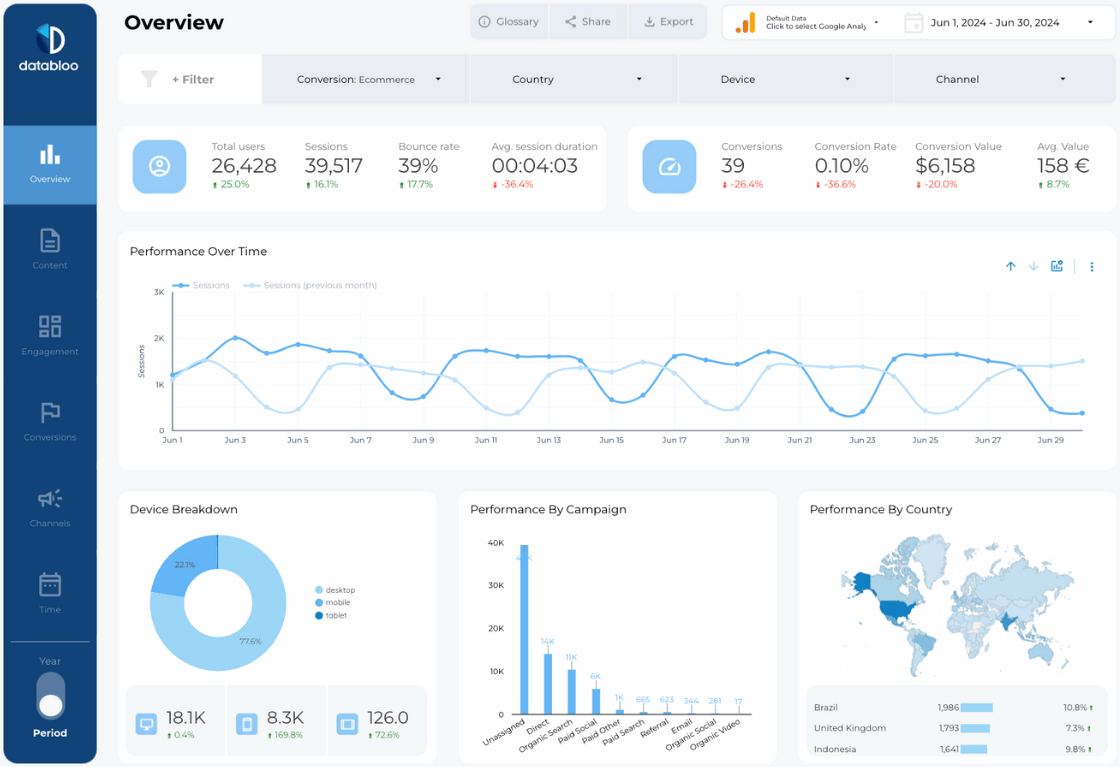
Each section features a range of different charts and visuals to represent your Instagram Insight analytics. There are bar charts, line charts, and pie charts in addition to efficient tables that give you key information in a more detailed view.

Free Connector for Instagram

Set-up for the Instagram Insights Looker Studio Template is quick and easy. There are no subscription fees to use this template and you can connect your Instagram account using our free community connector for Instagram Insights.

 

Additional information

Dashboard Type

Multi Page

Setup

Manual

Audience

Agency, Business Owner, Digital Marketeer

Data Source

Instagram Insights

SKU INS-SOM-02

How to create your Instagram Insights report

How to create a Instagram Insights report

How to create your Instagram Insights report

How to create a Instagram Insights report

How to create a Instagram Insights report

Frequently asked questions

You cannot find your question? Feel free to contact us

Investing in our Looker Studio templates saves you the time and resources that are required to build a reporting solution from scratch. Our templates are designed by data & visualization experts who have spent +2 years building ready-to-use solutions for over 1,000 businesses globally. Additionally, our templates have been recognized as top-notch reports in the market, as they have been featured by Google on their official Looker Studio Gallery. With instant access to these templates, you can easily make the most of your data and grow your business faster.

You can get a comprehensive understanding of our Looker Studio templates through our live demos, where you can see all the capabilities and functionalities. Additionally, you can use the built-in data controls of Looker Studio for data sources such as Google Ads and Google Search Console to preview how your data will appear in our reports. Both options allow you to get a feel for our templates and make sure they are the right fit for your business.

Our Looker Studio templates are fully customizable to fit your business needs. By duplicating our templates, you are free to make changes to the aesthetics, data sources, visualizations, and layout, ensuring that the templates meet your brand guidelines and reporting requirements.

Yes, after purchasing a Looker Studio template, you have the flexibility to replicate it for multiple accounts, share it with others, and even schedule email deliveries. This allows you to effectively manage different clients, domains, or brands with just one report, making it a highly efficient solution for your reporting needs.

When you purchase a Looker Studio template, you receive a link with a comprehensive guide that provides step-by-step instructions and video tutorials on how to customize the report for your brand. This guide will give you a thorough understanding of the template’s setup, allowing you to get started quickly and easily. On top of that, our experienced support team is available to answer any questions you have after the sale.

Unfortunately, we do not offer refunds for our Looker Studio templates. As digital products, the templates can be easily copied once purchased, making it impossible for us to receive the product back. This is why we invest in technical support and comprehensive instructions to ensure our customers can fully utilize and make the most of their investment.

We use PayPal and Stripe to process payments. They accept Debit, Visa, Mastercard, and American Express. Your credit card information is not stored on our site.

Upgrade your reporting today!

Try our free demos and see the difference. No payment required.
Data Bloo Footer Background